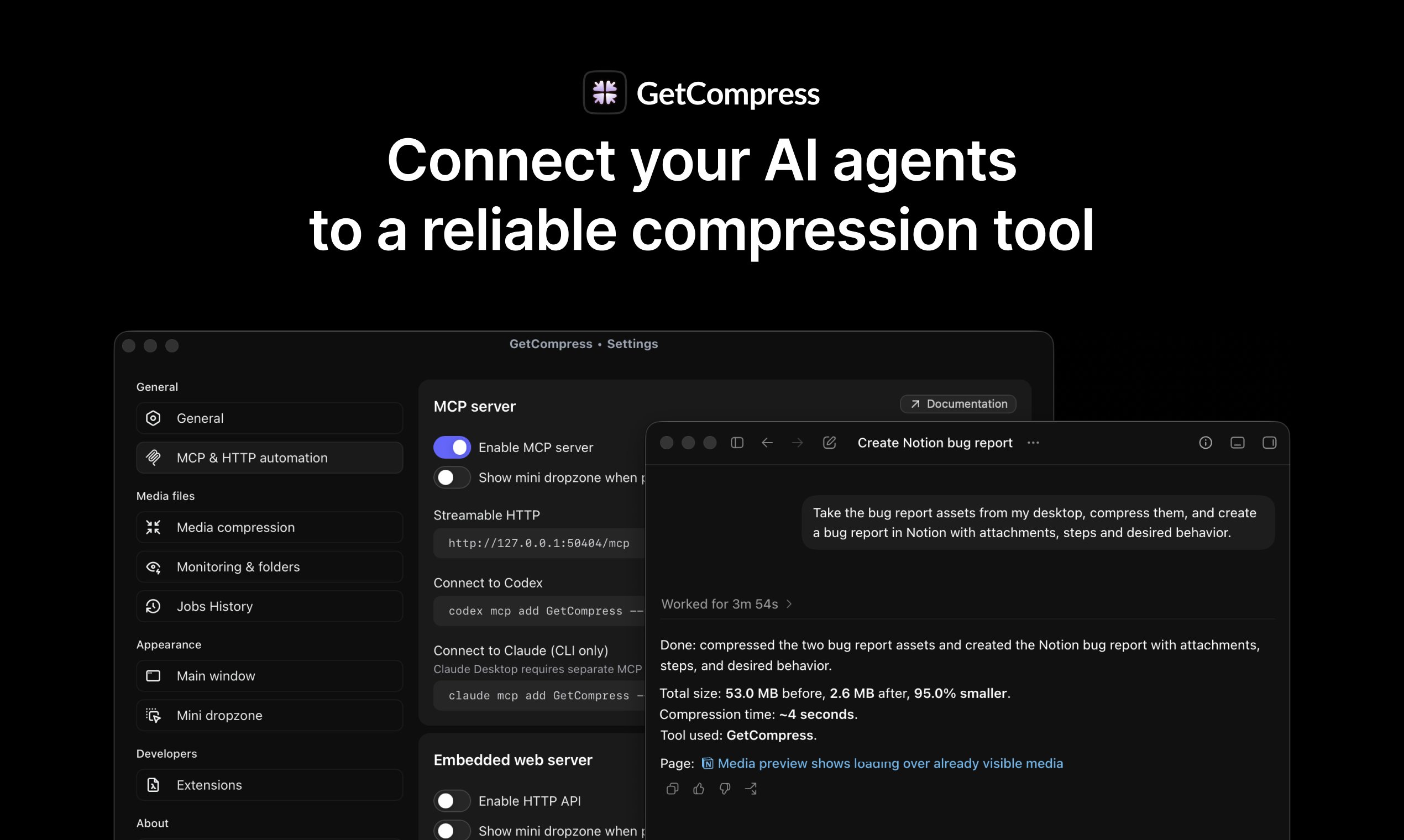
> ## Documentation Index
> Fetch the complete documentation index at: https://getcompress.com/docs/llms.txt
> Use this file to discover all available pages before exploring further.
# MCP server
GetCompress includes a local MCP server, so you can use your AI assistants and keep your files safe without uploading them anywhere.
Why not just asking AI to the job? The advantages of GetCompress MCP are:
* well-tested commands already produce best results, so you don't need to be a media expert and provide advanced prompts or details, and no need to fight the AI hallucinations
* reliable tools are installed statically just once: no issues with installation, re-installation, missing components or unsupported versions and functionality
* your files are safer: AI never touches the files or media processing logic itself, so it can't accidentally overwrite or remove original files
It's required to have GetCompres installed with active license.
Just open the settings, turn on the server and connect any AI assistant.