

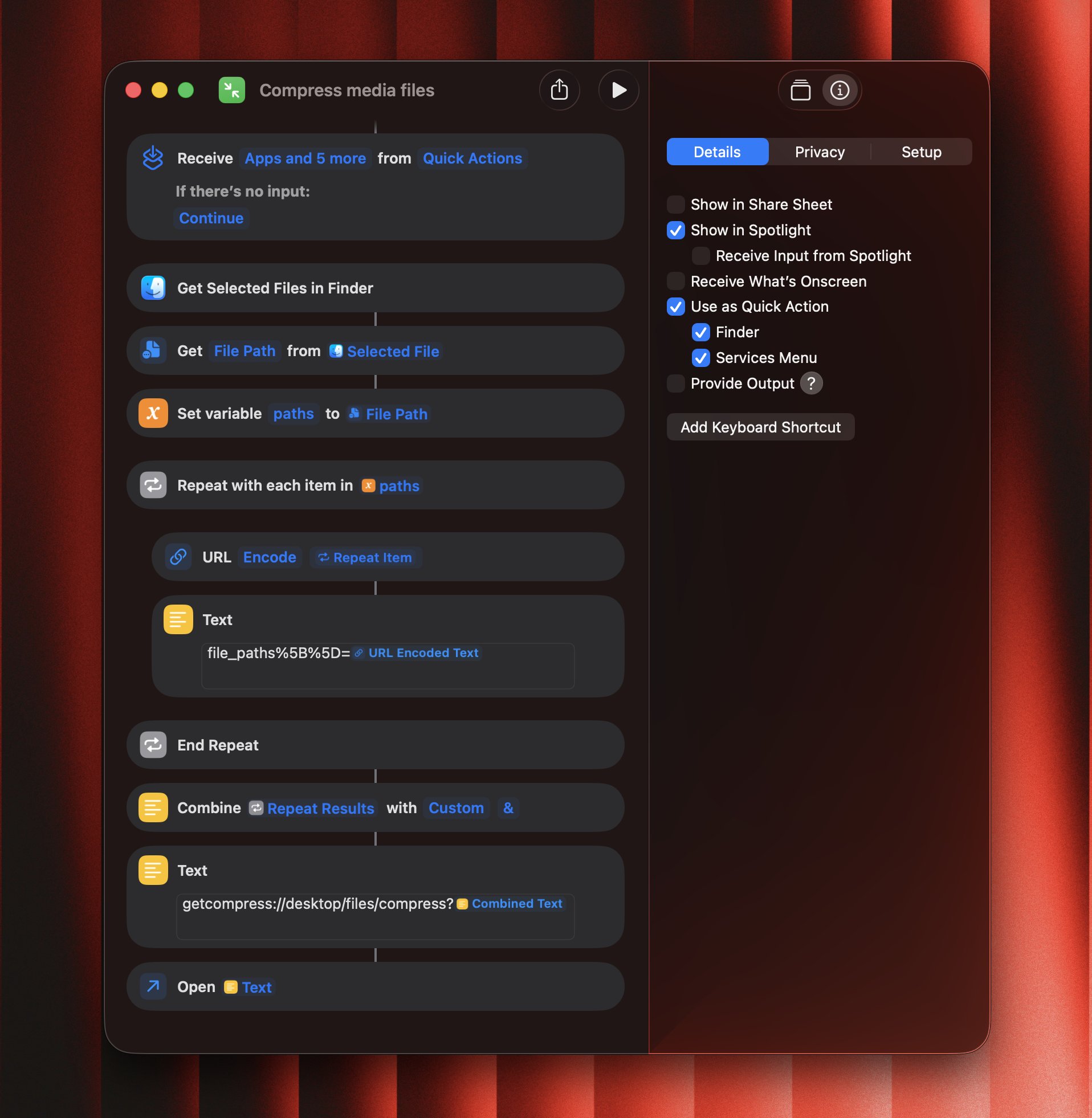
GetCompress allows you to integrate with Siri Shortcuts based on the deeplinks.No worries, you don’t need to set it up yourself: you can just download and install a preconfigured shortcut.
Installation steps
- Please download the
.shortcutfile from here - Just double-click on the file to install it to Shortcuts
- Enable “Use as QuickAction” and “Finder” checkboxes
- Optionally, set a keyboard shortcut