

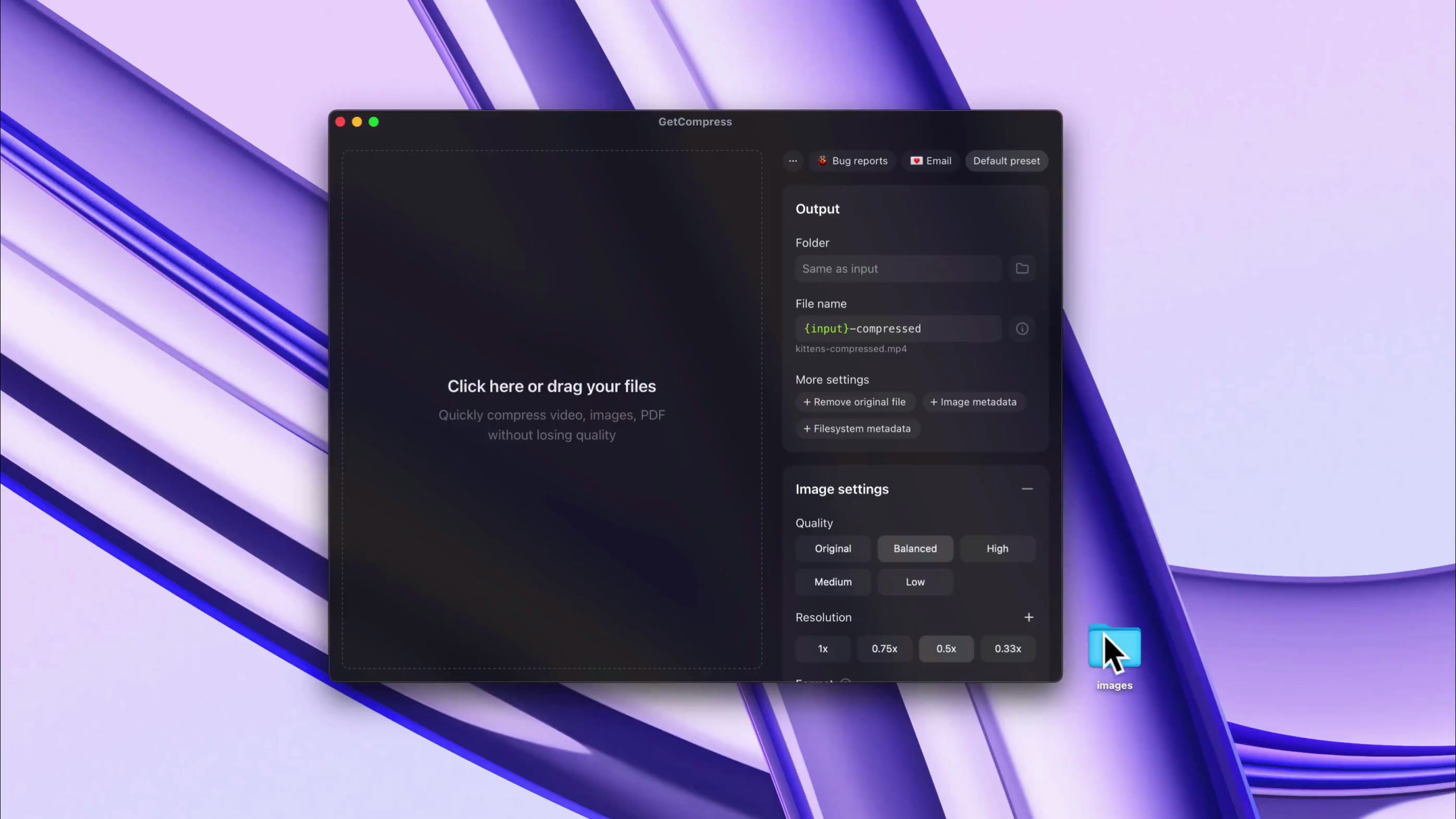
可复用预设与完全控制
保存常用预设并管理每个细节,可按预设或按文件单独设置:质量、尺寸、视频目标文件大小等
转换并压缩团队日常使用的数十种格式,包括 HEIC、WebP、JPEG、PNG、AVIF、PSD、MP4、MOV、RAW ProRes、WebM、GIF 和 PDF
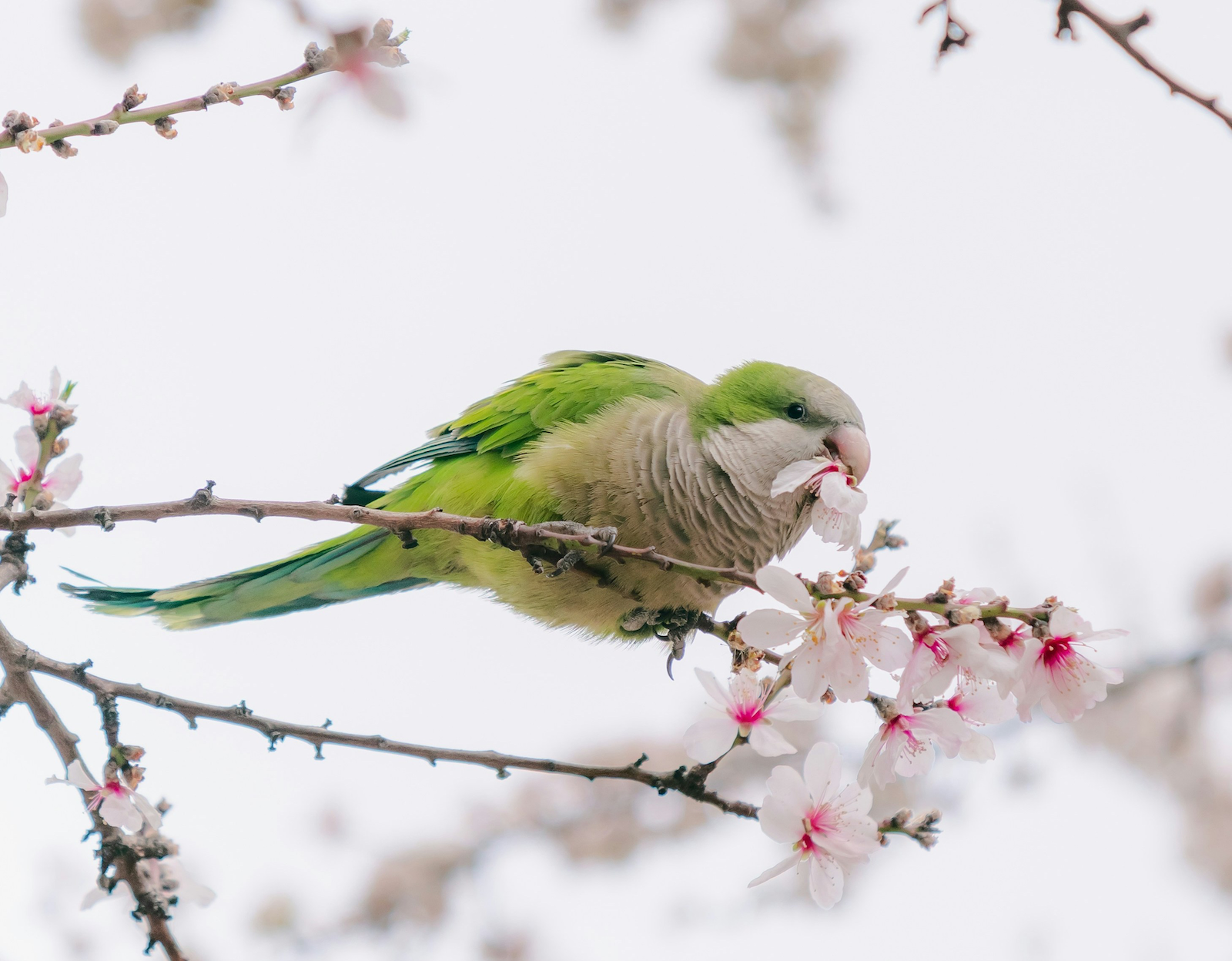
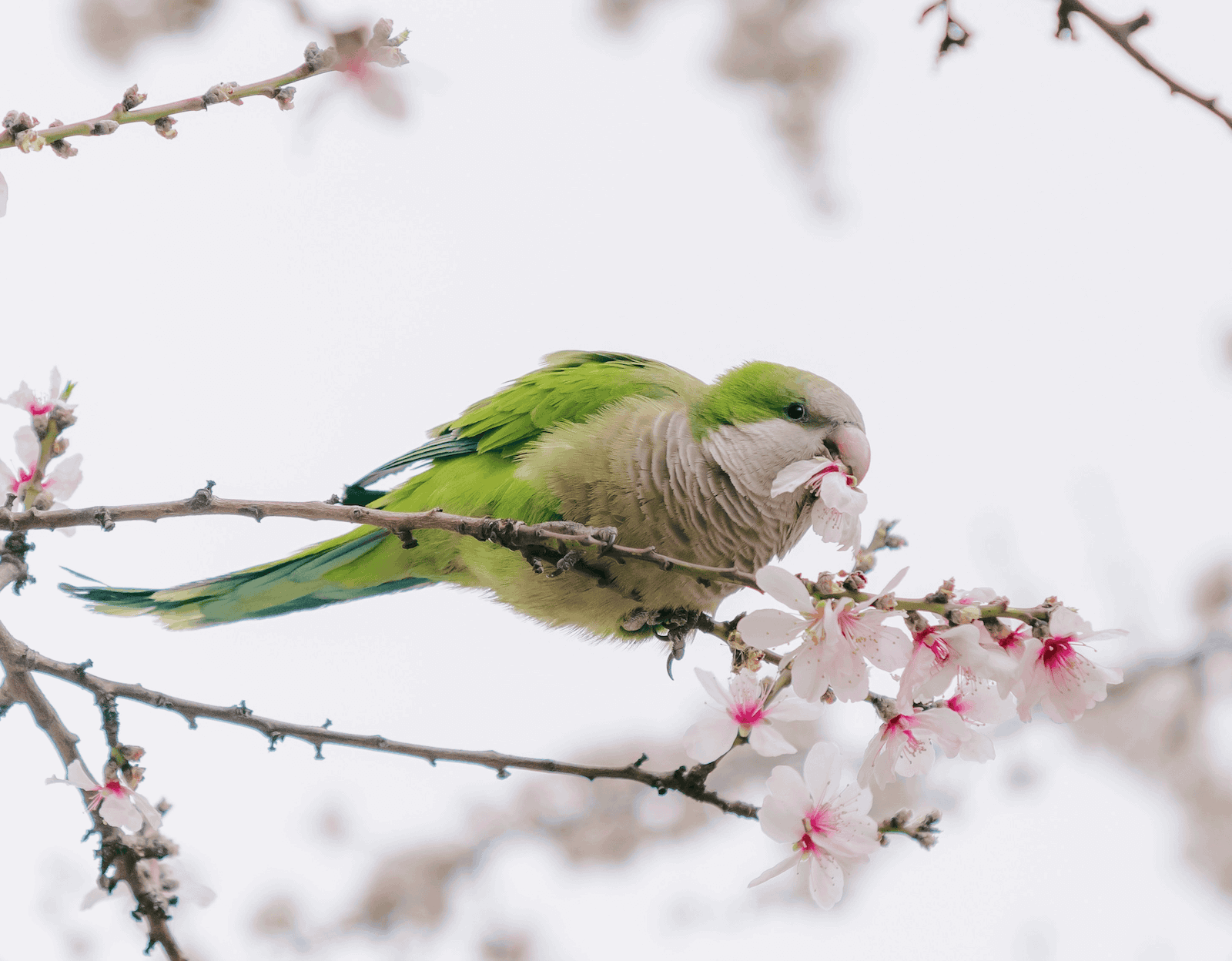
实用细节同样重要:通过 macOS Finder 右键菜单压缩文件,使用自定义键盘快捷键,在处理完成时收到通知,并防止设备休眠





Solid product. I bought it..
This will come in handy!
Purchased, great app! Love that I can mass drop video files directly from Eagle.app into your app to compress and save. This is going to save me GB's of storage space.
So here's an example...had a library of 841 mp4 clips weighing in at 22GB. After compression (Balanced) 4GB. Great work!
I bought GetCompress by @petersamokhin and I'm super happy with it.
I can compress all my videos before uploading them to my website, I just need to dragndrop.
And there are many customizations.
Well done 👏
(not affiliated btw, genuinely like his product)
Definitely worth a look. It's a lot more comprehensive than it first seems.
It’s very apparent that you have put so much effort into this. Great job mate.
I've been looking for a long time for a tool to compress videos and images that is more enjoyable to use than HandBrake or others that often overflow with too many options.
I found @GetCompress which does the job super well, I recommend it, I had a small bug, fixed in a few minutes by the creator. That's the advantage of these tools that are still young!
This actually is one of the tools I needed so I don’t have to search every time I need to compress something 😭
Once I almost missed deadline for hackathon just because my video submission was slightly bigger than allowed in form, lost so much time with ffmpeg, seems like must-have so such stuff wont happen lol, congrats on the launch dude!
GetCompress 是一款轻量级桌面应用,可在计算机上离线压缩和转换图片、视频、GIF 和 PDF。
在本地压缩和转换图片、视频、GIF 和 PDF,并通过自动剪贴板压缩、文件夹监控、预设、MCP 自动化等功能加速重复性工作。
GetCompress 仅在本地处理文件。压缩和转换无需网络连接,文件始终留在你的电脑上。
本地处理更适合客户文件、私人视频、机密 PDF、产品截图和剪贴板中的文件,可减少上传到在线压缩工具带来的风险。
所有购买均享受 14 天无理由退款。
如果你不满意,请通过 support@getcompress.com 联系我们
GetCompress 支持数十种图片、视频、GIF 和 PDF 格式,可以转换也可以压缩。
格式包括 PDF、GIF、SVG、PNG、JPEG、JPG、WebP、HEIC、HEIF、TIFF、BMP、AVIF、JPEG 2000、ICO、PSD、TGA、MP4、WebM、MOV、M4V、AVI、MKV、WMV、FLV、MPEG、MPG 和 3GP,还可导出 MP3、AAC、WAV、FLAC、OGG、M4A 等音频格式。
你可以自行控制。选择“高”或“原始”预设可尽量减少画质损失;需要更小的视频时,可以使用“目标文件大小”等其他预设。
文件体积通常可减少 50-90%,分辨率越高、文件越大的,体积缩减效果越明显。
是的。最低系统要求为:Apple Silicon Mac 需 macOS 11(Big Sur),Intel Mac 需 macOS 10.15(Catalina),Windows 设备需 Windows 10,Linux 支持取决于发行版。