

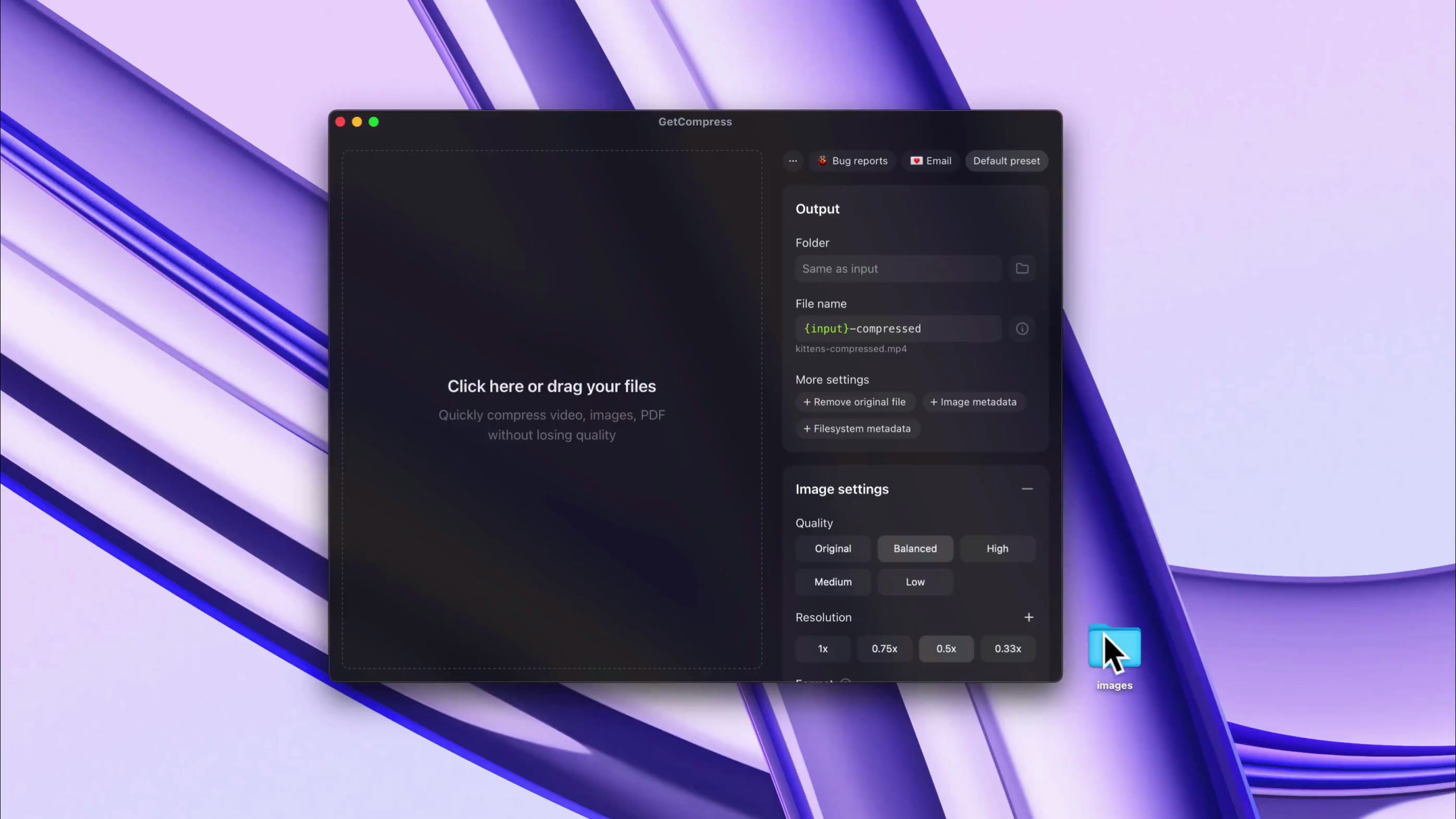
재사용 가능한 프리셋 및 전체 제어
즐겨찾는 프리셋을 저장하고 프리셋별 또는 파일별로 품질, 크기, 목표 파일 크기 등 세부 사항을 모두 관리합니다
HEIC, WebP, JPEG, PNG, AVIF, PSD, MP4, MOV, RAW ProRes, WebM, GIF, PDF 등 팀이 실제로 공유하는 수십 가지 형식을 변환하고 압축합니다
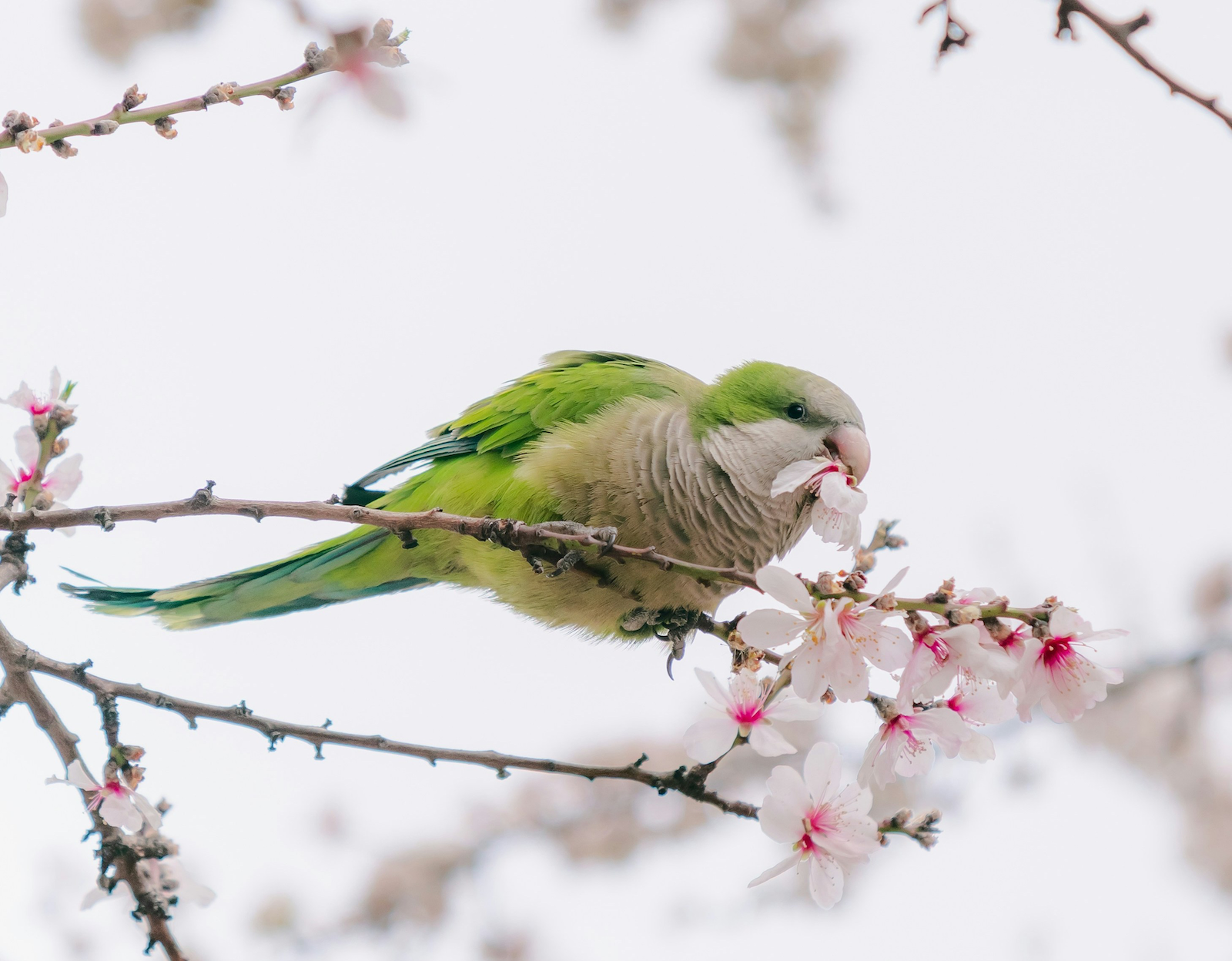
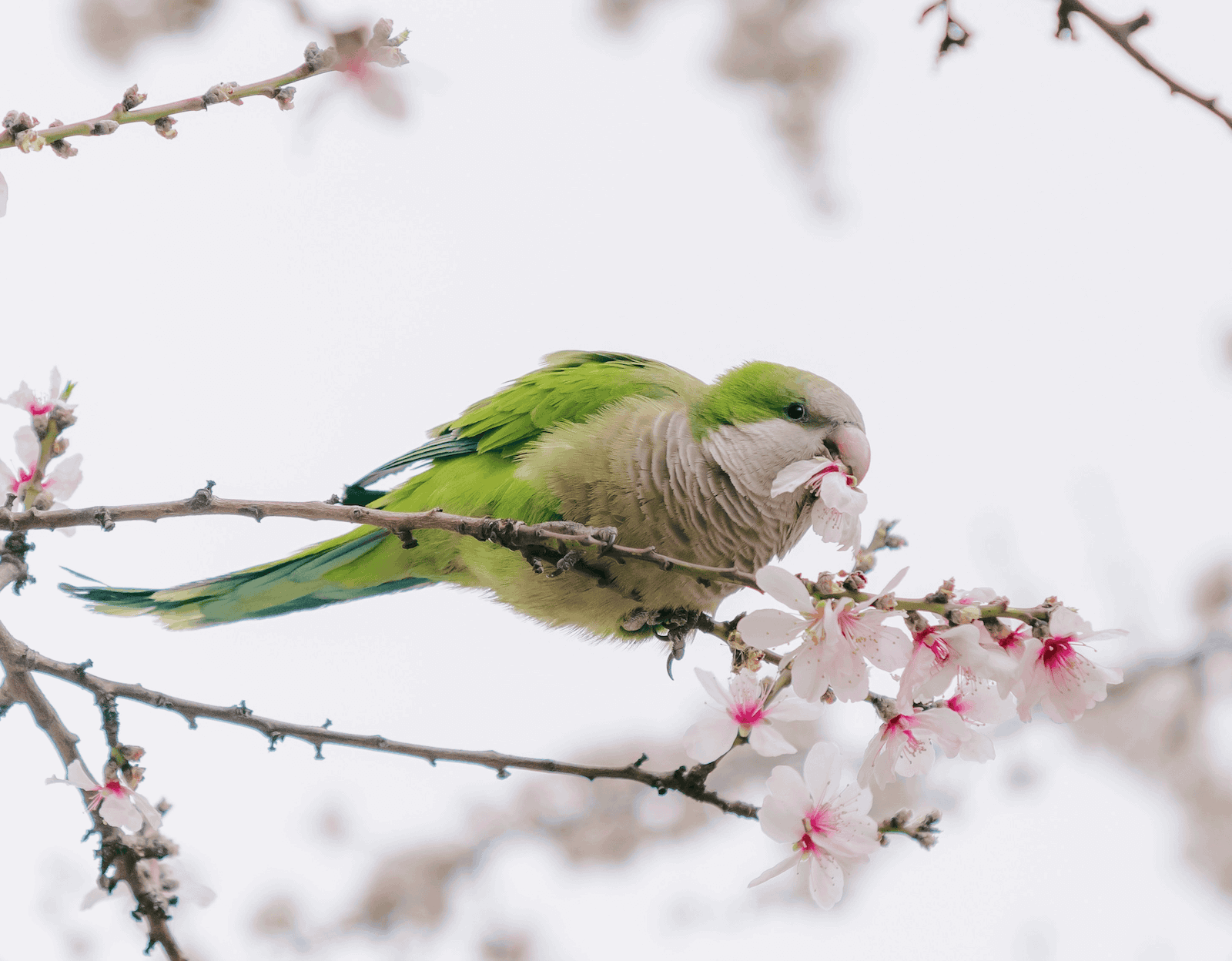
편의 기능을 중시합니다: macOS Finder 컨텍스트 메뉴에서 압축, 사용자 정의 키보드 단축키 사용, 완료 알림 받기, 기기 절전 방지 등 다양한 기능을 제공합니다





Solid product. I bought it..
This will come in handy!
Purchased, great app! Love that I can mass drop video files directly from Eagle.app into your app to compress and save. This is going to save me GB's of storage space.
So here's an example...had a library of 841 mp4 clips weighing in at 22GB. After compression (Balanced) 4GB. Great work!
I bought GetCompress by @petersamokhin and I'm super happy with it.
I can compress all my videos before uploading them to my website, I just need to dragndrop.
And there are many customizations.
Well done 👏
(not affiliated btw, genuinely like his product)
Definitely worth a look. It's a lot more comprehensive than it first seems.
It’s very apparent that you have put so much effort into this. Great job mate.
I've been looking for a long time for a tool to compress videos and images that is more enjoyable to use than HandBrake or others that often overflow with too many options.
I found @GetCompress which does the job super well, I recommend it, I had a small bug, fixed in a few minutes by the creator. That's the advantage of these tools that are still young!
This actually is one of the tools I needed so I don’t have to search every time I need to compress something 😭
Once I almost missed deadline for hackathon just because my video submission was slightly bigger than allowed in form, lost so much time with ffmpeg, seems like must-have so such stuff wont happen lol, congrats on the launch dude!
가볍고 강력한 도구를 원하는 분에게 최적입니다. 파워 유저와 바쁜 크리에이터의 일일 워크플로우를 가속화하고 자동화로 시간을 절약합니다.
라이프타임 라이선스
$19
$39
결제 시 세금이 적용될 수 있습니다. Polar를 통해 안전하게 결제할 수 있습니다.
환율에 따라 현지 통화 최종 가격이 달라질 수 있습니다.
교육용 또는 대량 구매 할인이 필요하신가요? 문의하기
GetCompress는 컴퓨터에서 오프라인으로 이미지, 비디오, GIF, PDF를 압축하고 변환하는 가벼운 데스크톱 앱입니다.
이미지, 비디오, GIF, PDF를 로컬에서 압축 및 변환한 후, 자동 클립보드 압축, 폴더 모니터링, 프리셋, MCP 자동화 등 다양한 기능으로 반복 작업을 가속화합니다.
GetCompress는 오프라인 전용 처리를 위해 설계되었습니다. 파일이 컴퓨터에서 로컬로 압축 및 변환되며, 처리 중 인터넷 연결이 필요하지 않습니다.
클라이언트 작업, 개인 동영상, 기밀 PDF, 제품 스크린샷, 클립보드 파일 등을 위한 온라인 파일 압축기의 안전한 대안입니다.
모든 구매에 14일 전액 환불 보장이 적용됩니다.
만족스럽지 않다면 support@getcompress.com으로 연락해 주세요.
GetCompress는 수십 가지 형식의 이미지, 동영상, GIF, PDF 워크플로우를 지원하며, 변환과 압축을 모두 수행합니다.
지원 형식은 PDF, GIF, SVG, PNG, JPEG, JPG, WebP, HEIC, HEIF, TIFF, BMP, AVIF, JPEG 2000, ICO, PSD, TGA, MP4, WebM, MOV, M4V, AVI, MKV, WMV, FLV, MPEG, MPG, 3GP, MP3, AAC, WAV, FLAC, OGG, M4A 등 다양합니다.
화질을 직접 조절할 수 있습니다. 화질을 우선하면 ‘높음’ 또는 ‘원본’ 프리셋을 선택하세요. 동영상 용량을 지정하려면 ‘목표 파일 크기’ 프리셋을 사용할 수 있습니다.
파일 크기는 보통 50~90% 감소하며, 해상도가 높을수록 파일 크기 감소 효과가 큽니다.
네. 최소 요구 사양은 Apple Silicon Mac의 경우 macOS 11 (Big Sur), Intel Mac의 경우 macOS 10.15 (Catalina), Windows 기기의 경우 Windows 10이며, Linux 지원은 배포판에 따라 다릅니다.