

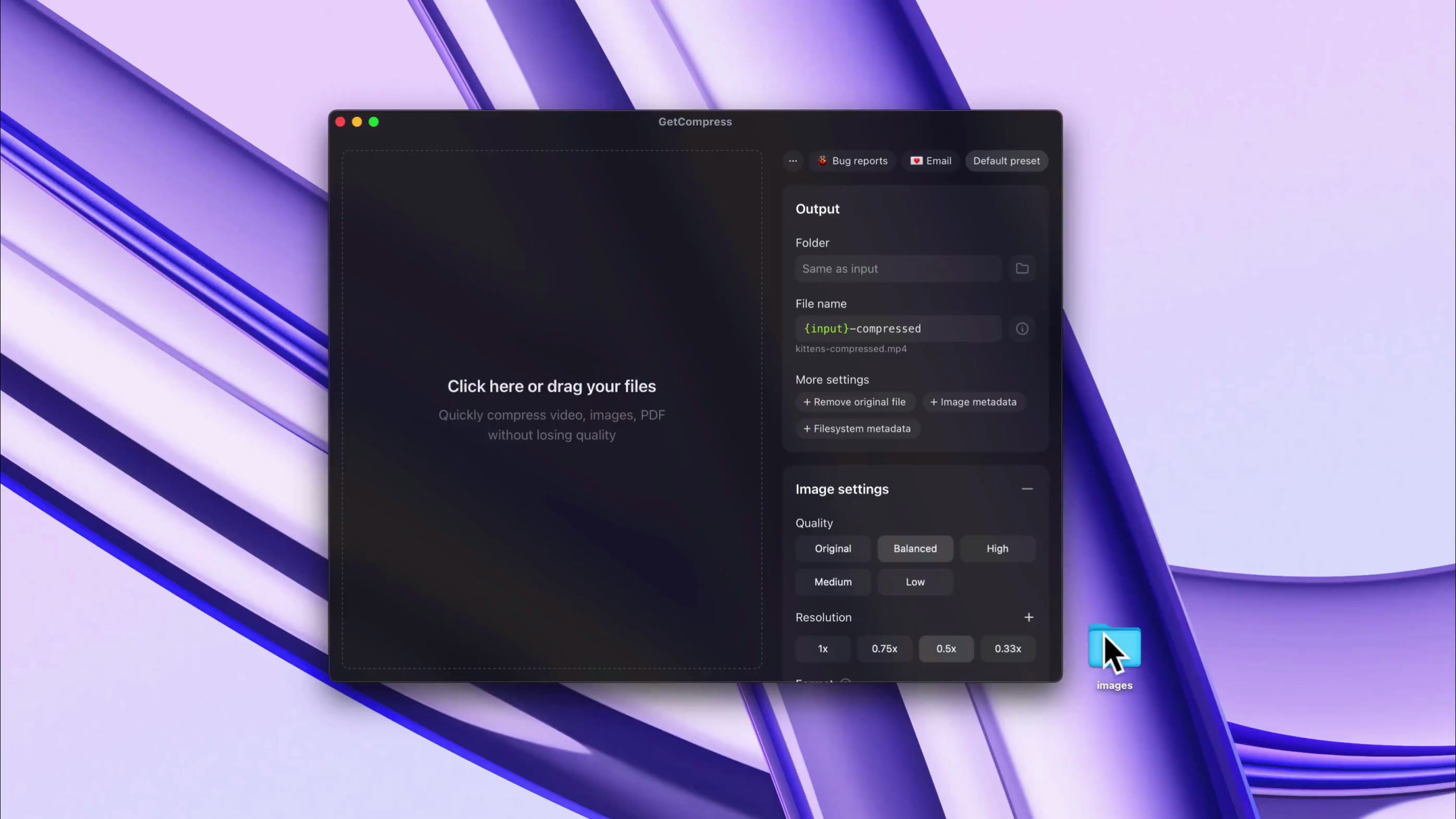
再利用可能なプリセットと完全な制御
お気に入りのプリセットを保存し、品質、解像度、目標ファイルサイズなど、プリセットごとまたはファイルごとに細かく管理

GetCompressは軽量なmacOSアプリです。動画、画像、GIF、PDFを高速に一括圧縮し、画質を保ちながらファイルサイズを最大90%削減します。処理はMac上で完結し、インターネット接続は不要です。
Apple Silicon 対応 & Intel 対応 その他のプラットフォーム
HEIC、WebP、JPEG、PNG、AVIF、PSD、MP4、MOV、RAW ProRes、WebM、GIF、PDFなど、チームが実際にやり取りする数十種類のフォーマットを変換・圧縮
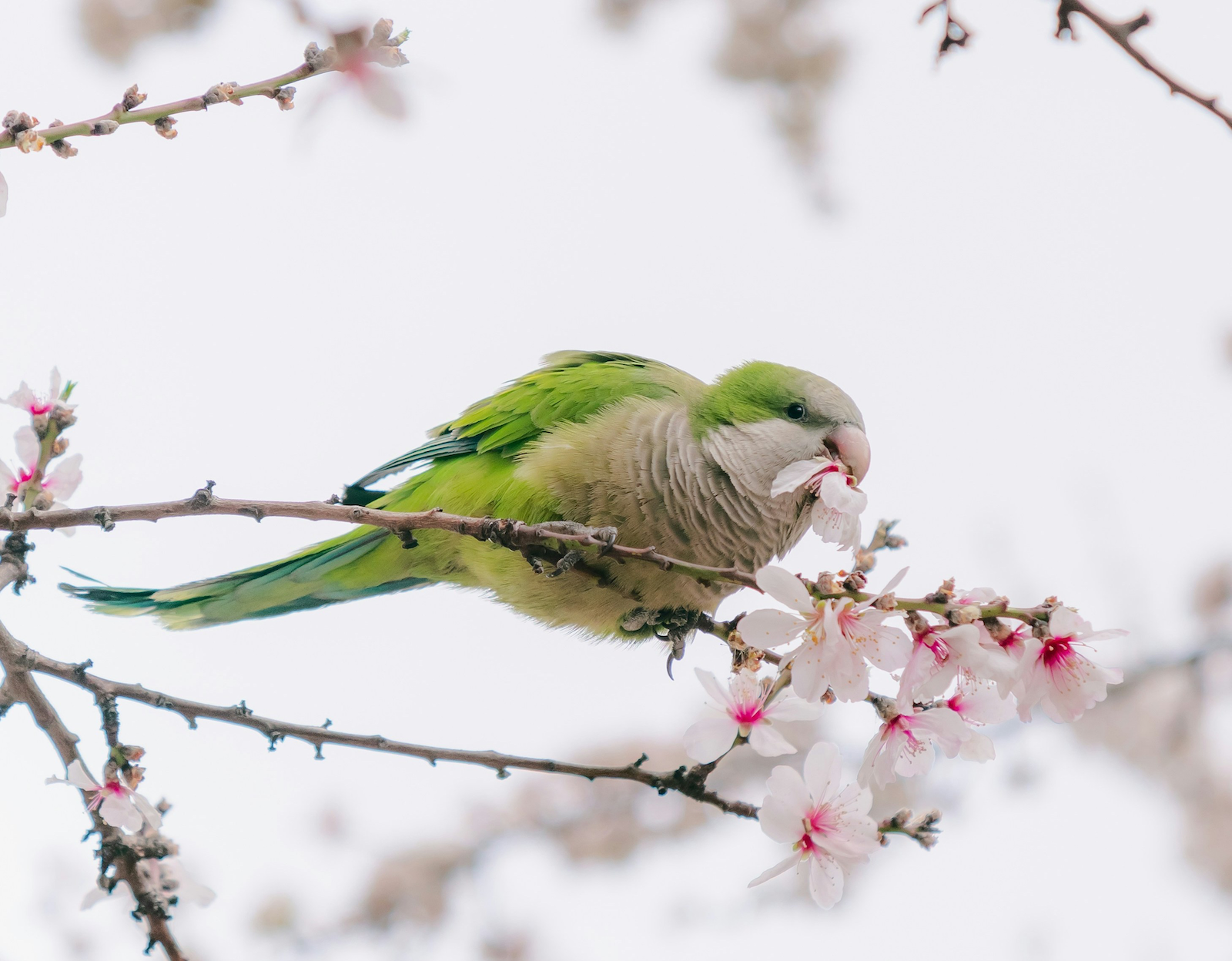
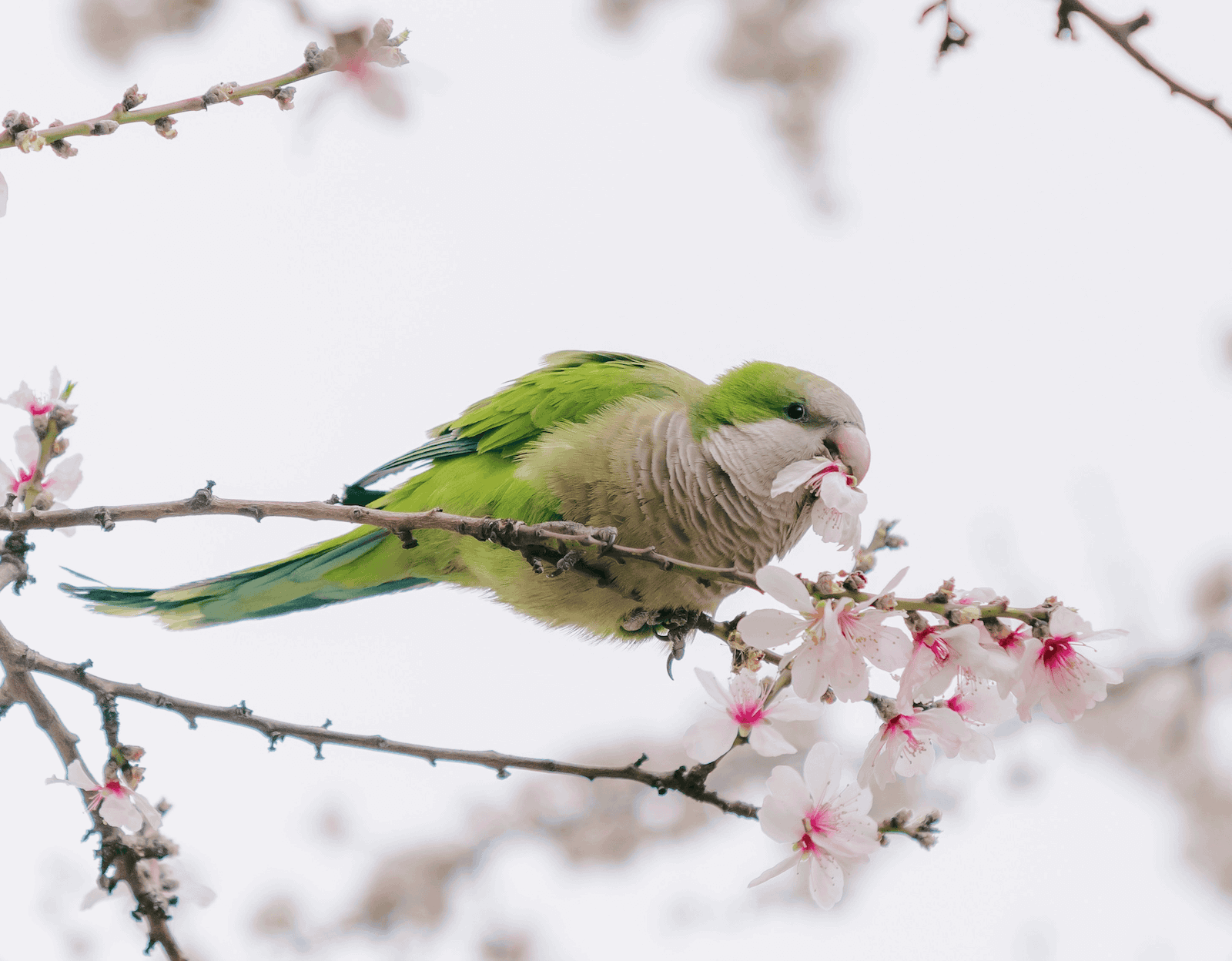
利便性機能を重視。macOS Finderのコンテキストメニューから圧縮、カスタマイズ可能なキーボードショートカット、完了通知、スリープ防止など、多数の機能を搭載





Solid product. I bought it..
This will come in handy!
Purchased, great app! Love that I can mass drop video files directly from Eagle.app into your app to compress and save. This is going to save me GB's of storage space.
So here's an example...had a library of 841 mp4 clips weighing in at 22GB. After compression (Balanced) 4GB. Great work!
I bought GetCompress by @petersamokhin and I'm super happy with it.
I can compress all my videos before uploading them to my website, I just need to dragndrop.
And there are many customizations.
Well done 👏
(not affiliated btw, genuinely like his product)
Definitely worth a look. It's a lot more comprehensive than it first seems.
It’s very apparent that you have put so much effort into this. Great job mate.
I've been looking for a long time for a tool to compress videos and images that is more enjoyable to use than HandBrake or others that often overflow with too many options.
I found @GetCompress which does the job super well, I recommend it, I had a small bug, fixed in a few minutes by the creator. That's the advantage of these tools that are still young!
This actually is one of the tools I needed so I don’t have to search every time I need to compress something 😭
Once I almost missed deadline for hackathon just because my video submission was slightly bigger than allowed in form, lost so much time with ffmpeg, seems like must-have so such stuff wont happen lol, congrats on the launch dude!
軽量で強力なツールを求める方に最適。パワーユーザーや忙しいクリエイターにも対応し、自動化で日常のワークフローを加速し、時間を節約します。
GetCompressはPC上でオフライン動作し、画像、動画、GIF、PDFを圧縮・変換する軽量なデスクトップアプリです。
画像、動画、GIF、PDFをローカルで圧縮・変換し、自動クリップボード圧縮、フォルダ監視、プリセット、MCP自動化などの機能で反復作業を高速化します。
当アプリはオフライン処理を基本設計としているため、ファイルはお使いのコンピュータ上で圧縮・変換されます。処理にインターネット接続は不要です。
クライアントワーク、プライベート動画、機密PDF、製品スクリーンショット、クリップボード内のファイルなど、オンライン圧縮ツールのより安全な代替手段です。
すべての購入に、理由を問わない14日間の全額返金保証が付きます。
ご満足いただけない場合は、support@getcompress.com までお問い合わせください。
GetCompressは、画像、動画、GIF、PDFのワークフローをサポートしており、数十種類の形式で変換と圧縮が可能です。
対応形式はPDF、GIF、SVG、PNG、JPEG、JPG、WebP、HEIC、HEIF、TIFF、BMP、AVIF、JPEG 2000、ICO、PSD、TGA、MP4、WebM、MOV、M4V、AVI、MKV、WMV、FLV、MPEG、MPG、3GP、MP3、AAC、WAV、FLAC、OGG、M4Aなど多数に及びます。
画質は細かく調整できます。画質を優先する場合は「高品質」または「オリジナル」プリセットを選択します。動画の容量を指定したい場合は「目標ファイルサイズ」プリセットを利用できます。
ファイルサイズは通常50〜90%削減され、解像度が高いほど、またファイルサイズが大きいほど削減効果が顕著になります。
はい。最小要件は以下の通りです:Apple Silicon MacはmacOS 11(Big Sur)以降、Intel MacはmacOS 10.15(Catalina)以降、WindowsデバイスはWindows 10以降。Linuxのサポートはディストリビューションによって異なります。