Best FreeConvert Alternative
Looking for a FreeConvert alternative? GetCompress converts and compresses media locally with quality controls and no free-tier upload caps.
FreeConvert is an online convert and compress site with a free tier people use for quick jobs. If you want reliable convert and compress without upload caps or plan friction, GetCompress is the better FreeConvert alternative.
GetCompress vs FreeConvert at a glance
| GetCompress | FreeConvert | |
|---|---|---|
| Best for | Local convert and compress with quality control | Online convert and compress with a free tier |
| Upload | None | Required |
| Limits | No server upload cap on your machine | Free-tier size and usage limits (confirm current terms) |
| Video size control | Exact target file size | Online compress/convert options |
| Mixed media | Video, images, GIF, PDF | Online multi-tool site |
| Privacy | Files stay on the device | Files processed online |
| Cost model | Free tier with limits; paid plans |
What FreeConvert is good at
FreeConvert combines convert and compress style tools in a browser, which is why it shows up in free converter lists. Official site: freeconvert.com . For a small public file when installs are impossible, it can finish the job.
Weak spots: free-tier limits, upload privacy, and less dependable control when quality and exact size both matter. See are online file compressors safe and best free video converters .
Why GetCompress is the better alternative
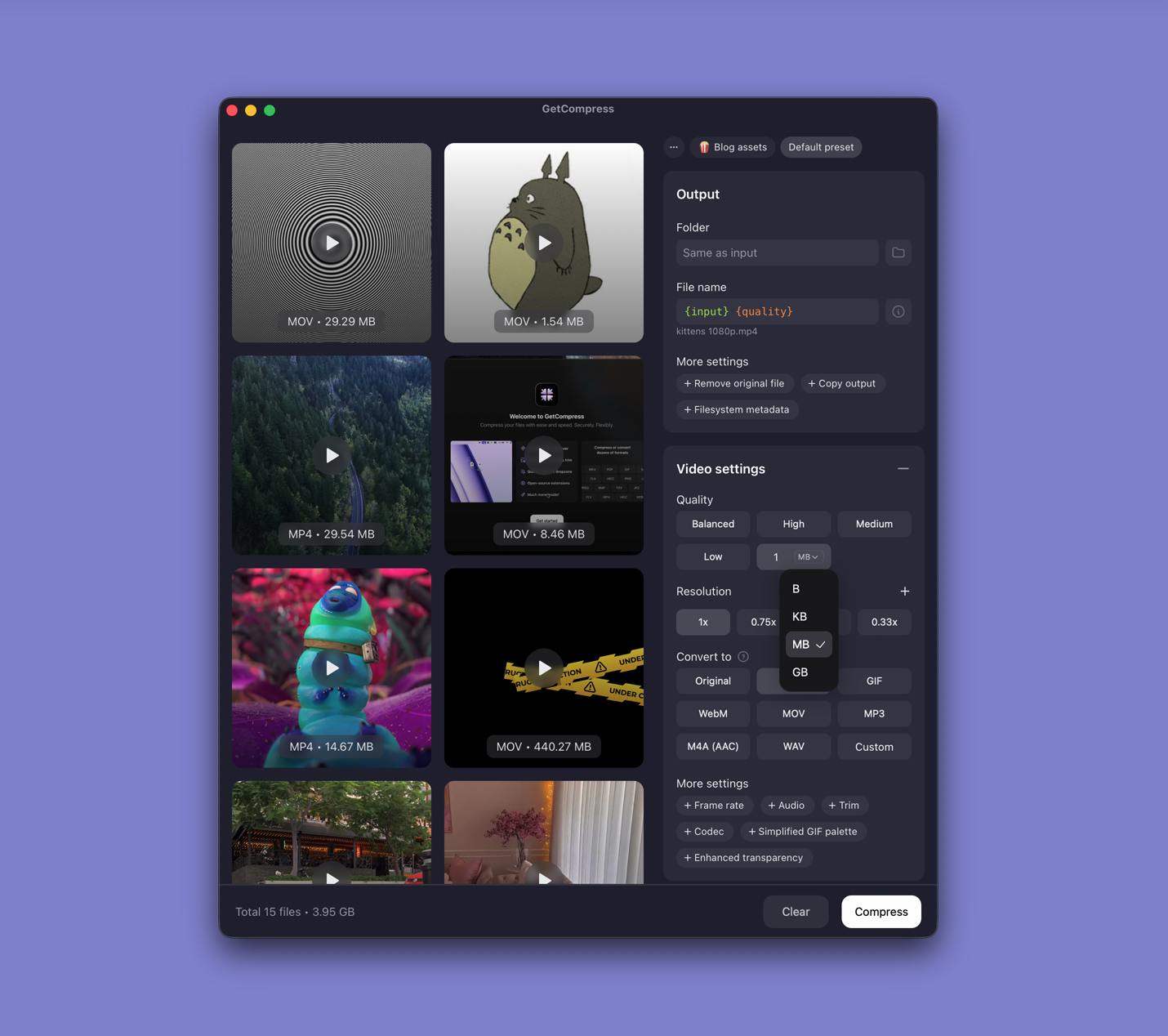
GetCompress keeps the “free online convert” promise’s real goal (a working smaller file) without the free-tier trap:
- Local processing with no upload and no website size gate.
- Exact target size for video when the destination is strict.
- Quality, resolution, and format controls for images, video, GIF, and PDF.
- Preview, trim, presets, and batch.
- Desktop automation (clipboard, folder monitoring, MCP) when you want the next file handled without opening a site.
FreeConvert’s pitch is free online convenience. GetCompress’s pitch is a better result with less constraint and less risk.
FreeConvert or GetCompress
| Situation | Better pick |
|---|---|
| Files that must stay private | GetCompress |
| Hard video size limit | GetCompress |
| Folder of media | GetCompress |
| Tiny public file and no install allowed | FreeConvert can work; GetCompress is still the stronger alternative |
Using GetCompress instead of FreeConvert
- Drop the file into GetCompress.
- Set format and quality, or a video target size.
- Export locally and verify playback or sharpness.
FreeConvert remains an online free-tier option. For convert and compress without upload limits and with stronger local controls, GetCompress is the better alternative.
- Best Free Video ConvertersCompare 8 free video converters for MOV, MP4, MKV, and WebM, including HandBrake, FFmpeg, and VLC, plus GetCompress for the shortest local convert-and-upload path.
- Online compressor safetyWhat happens when you upload files to online compressors, and what to use on Mac instead with Preview, QuickTime, and GetCompress.
- CloudConvert AlternativeLooking for a CloudConvert alternative? GetCompress converts and compresses video, images, GIFs, and PDFs locally with no upload limits or API credits.
- Convertio AlternativeLooking for a Convertio alternative? GetCompress converts and compresses video, images, GIFs, and PDFs locally with presets and no account upload friction.