Make GIF from Photos on Mac: 3 Methods
Make a GIF from photos on Mac with GetCompress, Preview prep, or FFmpeg. Sort frames, set fps, resize, and palette-encode for Slack loops.
Design hands you a short PNG or JPEG sequence for a storyboard, UI state flip, or before/after loop. The channel wants a GIF, not a PDF sheet. You need matching frame sizes, a readable fps, and a palette encode so gradients do not band. Keep unreleased product shots on your Mac instead of uploading them to a random converter.
When a photo GIF makes sense
| Good fit | Better as something else |
|---|---|
| 5 to 15 frame storyboard | MP4 slideshow with music |
| UI state sequence | Prototype video from a design tool |
| Short flipbook | Long photo album |
| Frame count | Typical fps |
|---|---|
| 3 to 5 | 2 to 4 (hold each shot) |
| 6 to 12 | 4 to 8 |
| 12+ | 8 to 10 max |
GIF caps at 256 colors per frame. Photo skin tones and skies band quickly if you skip the palette step. For motion that already exists as video, see video to GIF on Mac . To shrink a finished GIF, see compress GIFs on Mac .
Method 1: GetCompress
Best for: Previewing the loop, fixing frame order, and exporting a width/fps preset without shell globs.
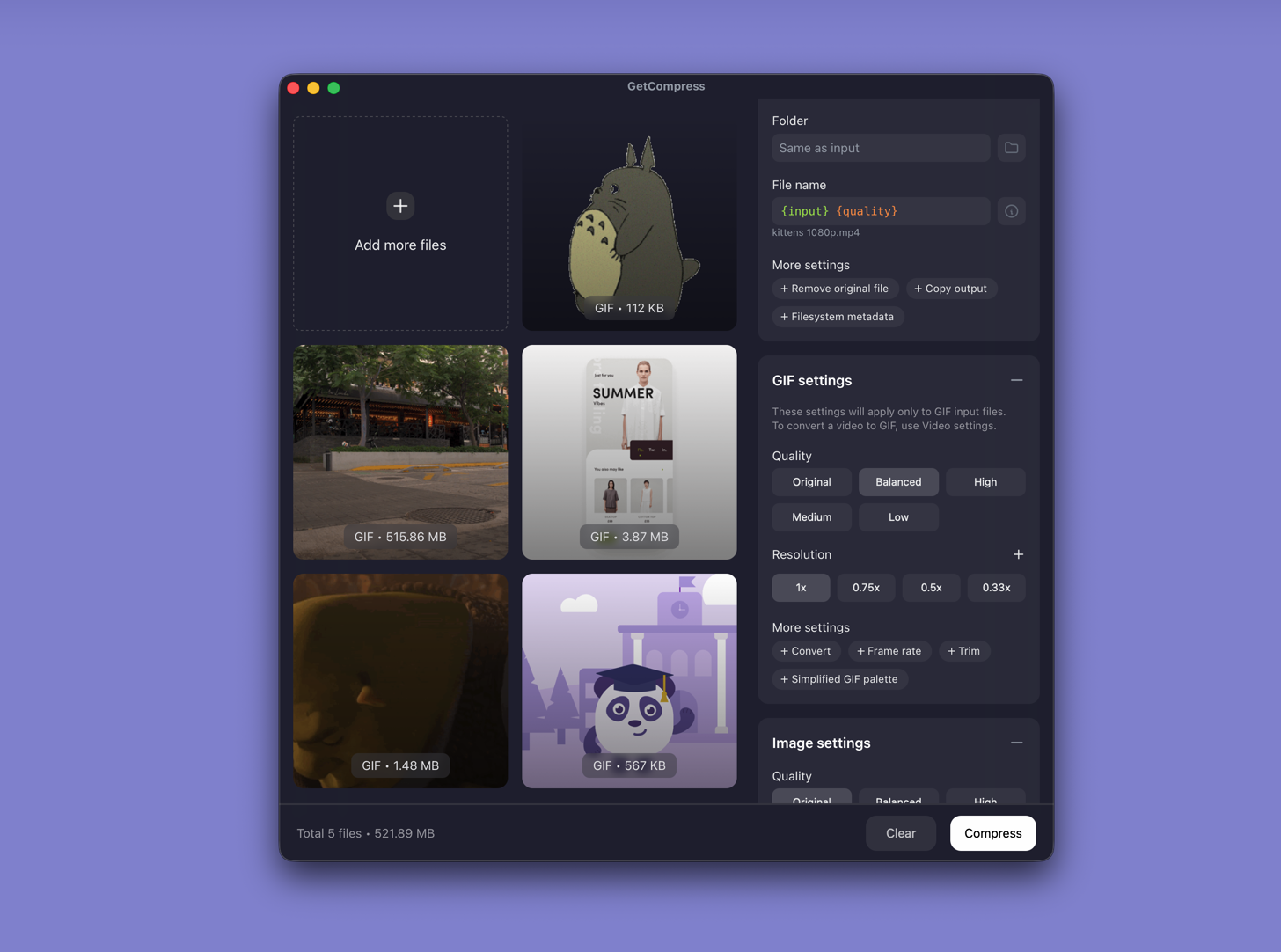
- Drop a folder of PNG or JPEG frames into GetCompress .
- Sort order in the queue if filenames are inconsistent.
- Set width (often 640 or 800 px for Slack) and fps.
- Preview the loop, then export GIF.
Save a preset such as “storyboard GIF 800w 4fps” when your team ships the same frame count each project. If banding persists, reduce width or frame count, or export MP4 when the channel allows it.
Method 2: Prepare frames in Preview
Best for: Cleaning oversized exports before any GIF encode.
- Export every frame at the same width and height from your design tool.
- Name files in sort order:
frame-001.png,frame-002.png, and so on. - Open oversized frames in Preview and resize to the target width (often 800 px for Slack).
- Store frames in a dedicated folder without spaces in filenames.
| Export width from design | Target for Slack GIF |
|---|---|
| 4000 px canvas | Scale to 800 px wide |
| 1920 px artboard | 800 or 960 px wide |
| 640 px component | Keep width |
Use PNG for flat UI with text. Use JPEG for photo-heavy sequences when slight loss is acceptable before GIF encoding. Matching first and last frames helps the loop restart cleanly.
Limitation: Preview prepares stills. It does not assemble the animated GIF by itself.
Method 3: Build a GIF with FFmpeg
Best for: Exact palette flags and repeatable Terminal recipes.
brew install ffmpegNumbered PNG frames:
ffmpeg -framerate 4 -i frame-%03d.png \
 -vf "scale=800:-1:flags=lanczos,split[s0][s1];[s0]palettegen[p];[s1][p]paletteuse" \
 -loop 0 storyboard.gif
JPEG folder with a glob:
ffmpeg -framerate 3 -pattern_type glob -i 'frames/*.jpg' \
 -vf "scale=800:-1:flags=lanczos,split[s0][s1];[s0]palettegen[p];[s1][p]paletteuse" \
-loop 0 slideshow.gif| Lever | Smaller GIF | Clearer panels |
|---|---|---|
-framerate | 2 to 3 | Hold readable shots |
scale width | 640 px | 800 to 960 px |
| Frame count | Fewer frames | Keep only needed states |
Check Finder file size after export. If the GIF still exceeds the upload cap, re-run at 640 px and 3 fps before you drop frames.
Limitation: You maintain the commands. Messy filenames break glob patterns.
Which method should you use
| Situation | Start here |
|---|---|
| Preview, presets, or messy filenames | GetCompress |
| Oversized design exports | Resize in Preview, then Method 1 or 3 |
| Exact palette flags or scripts | FFmpeg |
When MP4 is the better loop
Ask whether the channel accepts MP4 before you fight palette banding. An MP4 from the same sequence is often smaller and sharper.
GetCompress fits when you ship storyboard GIFs often and want preview before palette limits hit. Keep source frames in frames-src/ and write GIF output to gif-out/ so you never overwrite design exports. For stills outside GIF work, see how to compress images on Mac .
- Compress GIFs on MacCompress GIFs on Mac with GetCompress, QuickTime MP4 export, or FFmpeg. Trim, shrink width, or switch to MP4 when the tool allows video.
- Convert Video to GIF on MacConvert MOV or MP4 to GIF on Mac with GetCompress, QuickTime (for MP4), or FFmpeg. Trim first, keep width low, and ask if video is allowed.
- How to Compress Images on MacCompress images on Mac with GetCompress, Preview, or sips. Resize JPG and PNG, convert HEIC, and keep sharp UI for email or web.
- Make GIF from Photos on WindowsMake a GIF from photos on Windows with GetCompress, Photos prep, or FFmpeg. Sort frames, set fps, resize, and palette-encode for Teams loops.