Convert TIFF to JPG on Windows: 3 Methods
Convert TIFF to JPG on Windows with GetCompress, Photos or Paint, or FFmpeg. Shrink scans for email, SharePoint, and web upload.
Insurance scans arrive as TIFF. A vendor sends print-ready TIFF proofs. SharePoint and email want JPEG. Convert a copy for delivery and keep the TIFF master untouched. Cap long edge before share so a 600 dpi scan does not stay enormous after conversion.
TIFF vs JPEG
| Format | Role |
|---|---|
| TIFF | Scan archive, print pipeline |
| JPEG | Web, email, CMS |
| Source TIFF | Export approach |
|---|---|
| Flat scan, no alpha | Convert and quality ~85 |
| Multi-page TIFF | Split pages in scan software first |
| Huge dpi | Resize before JPEG |
See PNG to JPG on Windows and PDF to JPG on Windows for related export paths.
Method 1: GetCompress
Best for: One scan or folders with recurring portal widths, and convert-plus-resize in one pass.
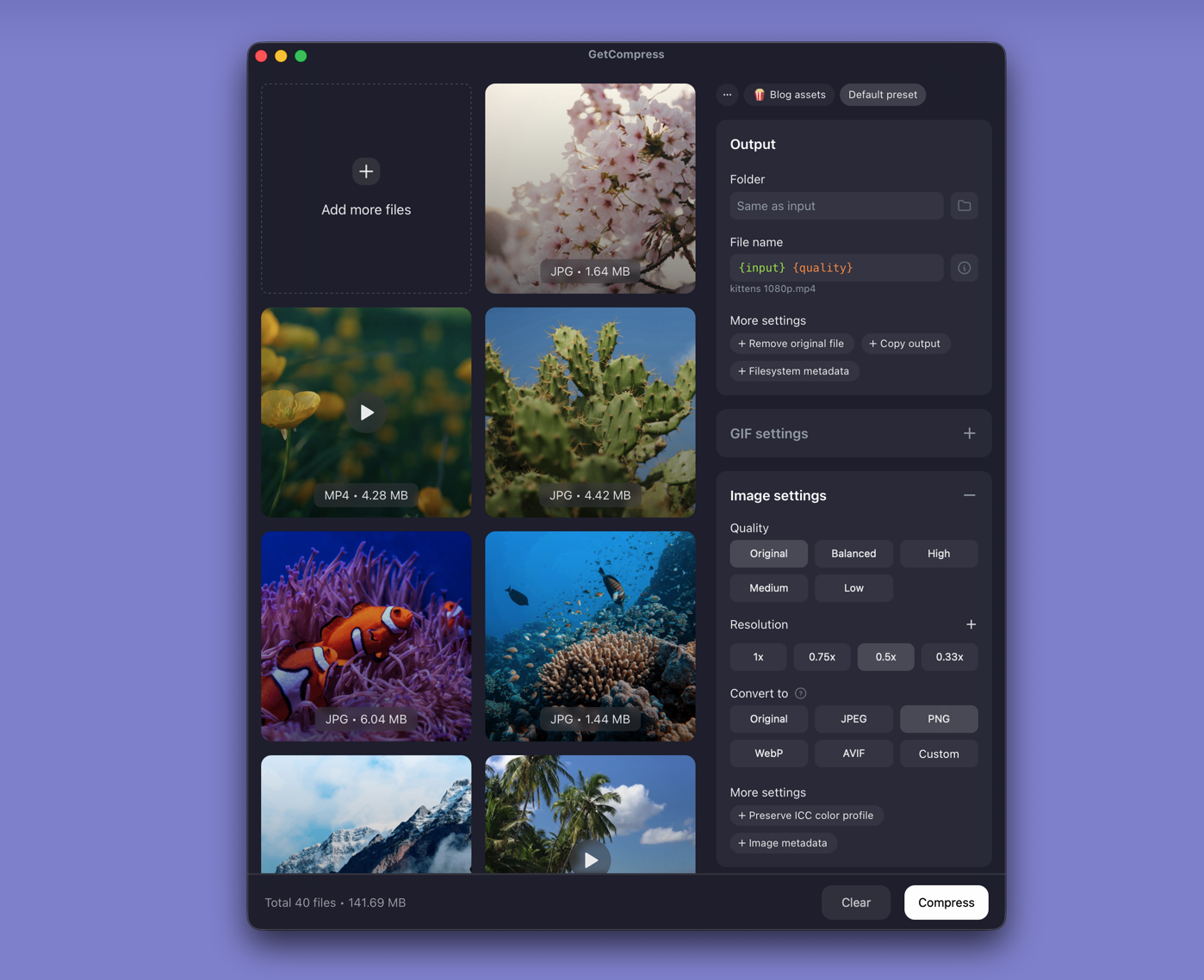
- Drop one TIFF or a folder into GetCompress .
- Choose JPEG output.
- Set max width (for example 2400 px for listing photos, 1920 px for screen review) and quality (for example High or Medium).
- Preview a text-heavy scan at 100% zoom, then export to
deliverables\jpeg\. - Save a preset for the next insurance or HR packet.
Processing stays on your PC. Keep TIFF masters on archive storage.
Method 2: Convert in Photos or Paint
Best for: One file at a time with built-in apps.
Photos:
- Open the TIFF in Photos.
- … → Save as or export when available.
- Choose JPEG into
deliverables\jpeg\.
Paint:
- Open the TIFF in Paint.
- Save as → JPEG picture.
Photos may flatten multi-page TIFF to a single view. Use scan software to split pages when each page must be a separate JPEG.
Limitation: Slow for hundreds of scans. No shared preset across a folder.
Method 3: Batch with FFmpeg
Best for: PowerShell loops on *.tif and *.tiff.
winget install --id Gyan.FFmpeg -e
mkdir jpg-out
Get-ChildItem *.tif,*.tiff | ForEach-Object {
 ffmpeg -i $_.FullName -vf scale=2400:-2 -q:v 3 "jpg-out\$($_.BaseName).jpg"
}
Limitation: You maintain the commands. Spot-check signatures and fine text at 100% zoom before batch send.
| Symptom | Fix |
|---|---|
| Blurry text after shrink | Start from a higher quality setting |
| Wrong colors | Convert to sRGB in the scan app |
| Multi-page TIFF | Split pages in scan software first |
Scans and print exports
| Issue | Fix |
|---|---|
| JPEG still huge | Lower dpi via resize first |
| Color shift | Export sRGB JPEG |
| Multi-page scan | Split in scan app before batch |
Never overwrite the TIFF master. Write JPEG to a separate folder so you can re-export if a client requests higher resolution. When uploads still fail, see how to compress images on Windows .
When Photos or Paint is enough
Photos or Paint can finish a single proof when width and quality already match the destination.
GetCompress also helps when dozens of scans need the same width and quality locally. It does not replace scan software for deskew or page split. Keep masters archived and only share the delivery copies.
- Convert PNG to JPG on WindowsConvert PNG to JPG on Windows with GetCompress, Paint, or FFmpeg. Keep PNG when you need transparency; flatten first when you do not.
- How to Compress Images on WindowsCompress images on Windows with GetCompress, Photos, or FFmpeg. Resize JPG and PNG, convert WebP, and keep sharp UI for email or web.
- Convert PDF to JPG on WindowsExport PDF pages as JPEG on Windows with Edge, pdftoppm, or a GetCompress resize pass. Batch slide decks for CMS and SharePoint.
- Convert TIFF to JPG on MacConvert TIFF to JPG on Mac with GetCompress, Preview, or sips. Shrink scans and print exports for email and web upload.