Convert GIF to MP4 on Windows: 3 Methods
Convert GIF to MP4 on Windows with GetCompress, Clipchamp when you still have video, or FFmpeg. Smaller files and smoother motion with full color.
Your bug repro GIF is 18 MB. The same loop as MP4 is often 1 to 2 MB with full color and smooth motion. Teams, Notion, GitHub, and most doc tools accept video now, but old templates still say GIF. Converting GIF to MP4 is the fastest fix when the destination allows video. Keep unreleased product UI off random upload sites.
Three solid routes cover most Windows jobs: GetCompress for local convert with preview, Clipchamp when you still have the video master, and FFmpeg for exact flags.
Method 1: GetCompress
Best for: Converting existing GIFs (or exporting MP4 from MOV/MP4 sources) with trim and frame preview before you attach to a ticket.
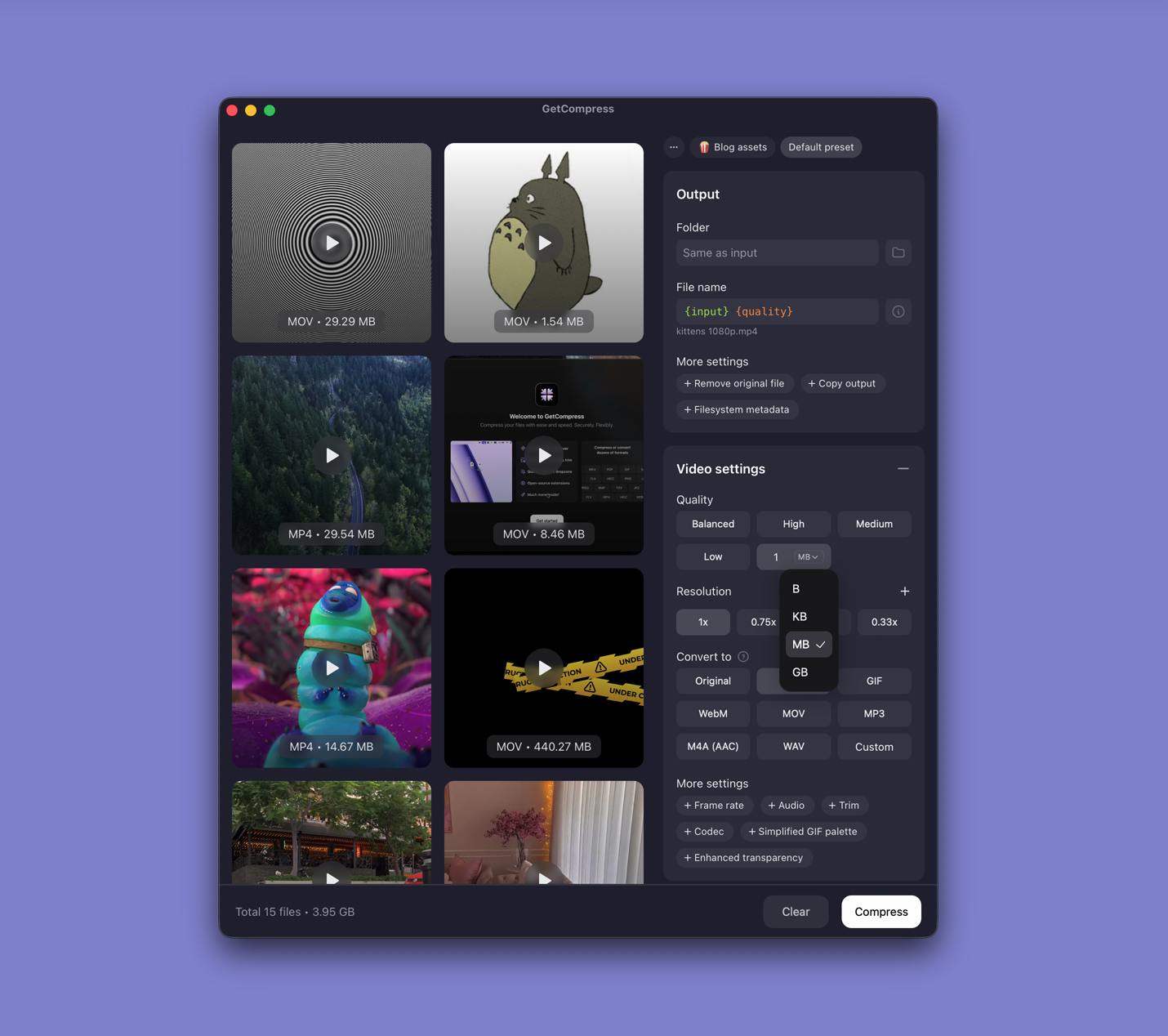
- Drop a GIF into GetCompress , or drop MOV/MP4 to skip the GIF middle step.
- Trim idle frames in preview.
- Choose MP4, set width (960 px covers most bug reports), and export.
- Compare file size against a GIF export in the same window if the thread still debates format.
Processing stays on your PC. Save a preset such as “bug MP4 960w 24fps”. When the destination still requires GIF, export at 640 px instead of shipping an 18 MB full-screen capture ( compress GIFs on Windows ).
Method 2: Export MP4 from the video source
Best for: When you still have the original screen recording and the thread allows video.
- Open the recording in Clipchamp (prefer the MP4 master over the GIF).
- Trim the timeline to the action only.
- Export at 720p.
Skip GIF entirely when the source video still exists. Wide canvas GIFs from full-screen captures convert to oversized MP4 unless you scale down; starting from a trimmed master is cleaner.
Limitation: Does not help when the GIF is the only file left.
Method 3: Convert with FFmpeg
Best for: Exact scale, fps, and CRF when you only have the GIF.
winget install --id Gyan.FFmpeg -effmpeg -i demo.gif -movflags faststart -pix_fmt yuv420p -vf "scale=960:-2,fps=24" -c:v libx264 -crf 23 demo.mp4Smaller file:
ffmpeg -i demo.gif -movflags faststart -pix_fmt yuv420p -vf "scale=640:-2,fps=15" -c:v libx264 -crf 26 demo-small.mp4Batch:
mkdir mp4-out
Get-ChildItem *.gif | ForEach-Object {
 ffmpeg -i $_.Name -movflags faststart -pix_fmt yuv420p -vf "scale=960:-2,fps=24" -c:v libx264 -crf 23 "mp4-out\$($_.BaseName).mp4"
}| Parameter | Smaller file | Better quality |
|---|---|---|
scale width | 640 | 960 to 1280 |
fps | 15 | 24 to 30 |
-crf | 26 to 28 | 20 to 23 |
Keep the original GIF until you verify text readability in the MP4 on the target platform.
Limitation: You maintain the commands. Palette or convert scripts can drift between machines.
Which method should you use
| Situation | Start here |
|---|---|
| Recurring ticket clips, preview, or batch | GetCompress |
| Video master still on disk | Clipchamp |
| Exact flags or automation | FFmpeg |
Other direction: video to GIF on Windows . General video size: how to compress video on Windows .
Why convert GIF to MP4
| Factor | GIF | MP4 (H.264) |
|---|---|---|
| 5 s UI demo size | Often 5 to 20 MB | Often 1 to 3 MB |
| Color quality | 256 colors, banding | Full color |
| Motion smoothness | Limited by fps cap | Smooth at 24 to 30 fps |
| Upload tool support | Legacy forms | Most modern tools |
Confirm the tracker accepts MP4 before you convert. Many issue trackers switched to video years ago but left GIF in the template text.
When Clipchamp or FFmpeg is enough
Clipchamp can work when the video master is available and one export is ready to send. FFmpeg is enough when the team already shares one PowerShell recipe.
GetCompress also helps when design sends oversized GIFs, when QA needs the same width every week without installing FFmpeg on every laptop, or when you want to compare MP4 and GIF exports in one place. Prefer MP4 for screen repros whenever the thread allows it.
- Compress GIFs on WindowsCompress GIFs on Windows with GetCompress, Clipchamp MP4 export, or FFmpeg. Trim, shrink width, or switch to MP4 when the tool allows video.
- Convert Video to GIF on WindowsConvert MOV or MP4 to GIF on Windows with GetCompress, Clipchamp (for MP4), or FFmpeg. Trim first, keep width low, and ask if video is allowed.
- How to Compress Video on WindowsCompress video on Windows with GetCompress, Clipchamp, or FFmpeg. Trim first, pick 720p or 1080p, and clear email or upload size limits.
- Convert GIF to MP4 on MacConvert GIF to MP4 on Mac with GetCompress, QuickTime when you still have video, or FFmpeg. Smaller files and smoother motion with full color.