Convert JPG to AVIF on Windows: 3 Methods
Convert JPG to AVIF on Windows with GetCompress, avifenc, or FFmpeg. Resize first and keep a JPEG fallback in HTML.
Marketing sites still ship oversized JPEG heroes. AVIF often cuts bytes on modern browsers without an obvious quality hit on photos. It is a web delivery format, not a replacement for email or slides. Convert heroes, keep JPEG fallbacks in <picture>, and check analytics before you drop legacy formats.
Method 1: GetCompress
Best for: Marketing folders that need resize plus AVIF in one pass, with presets for heroes and thumbs.
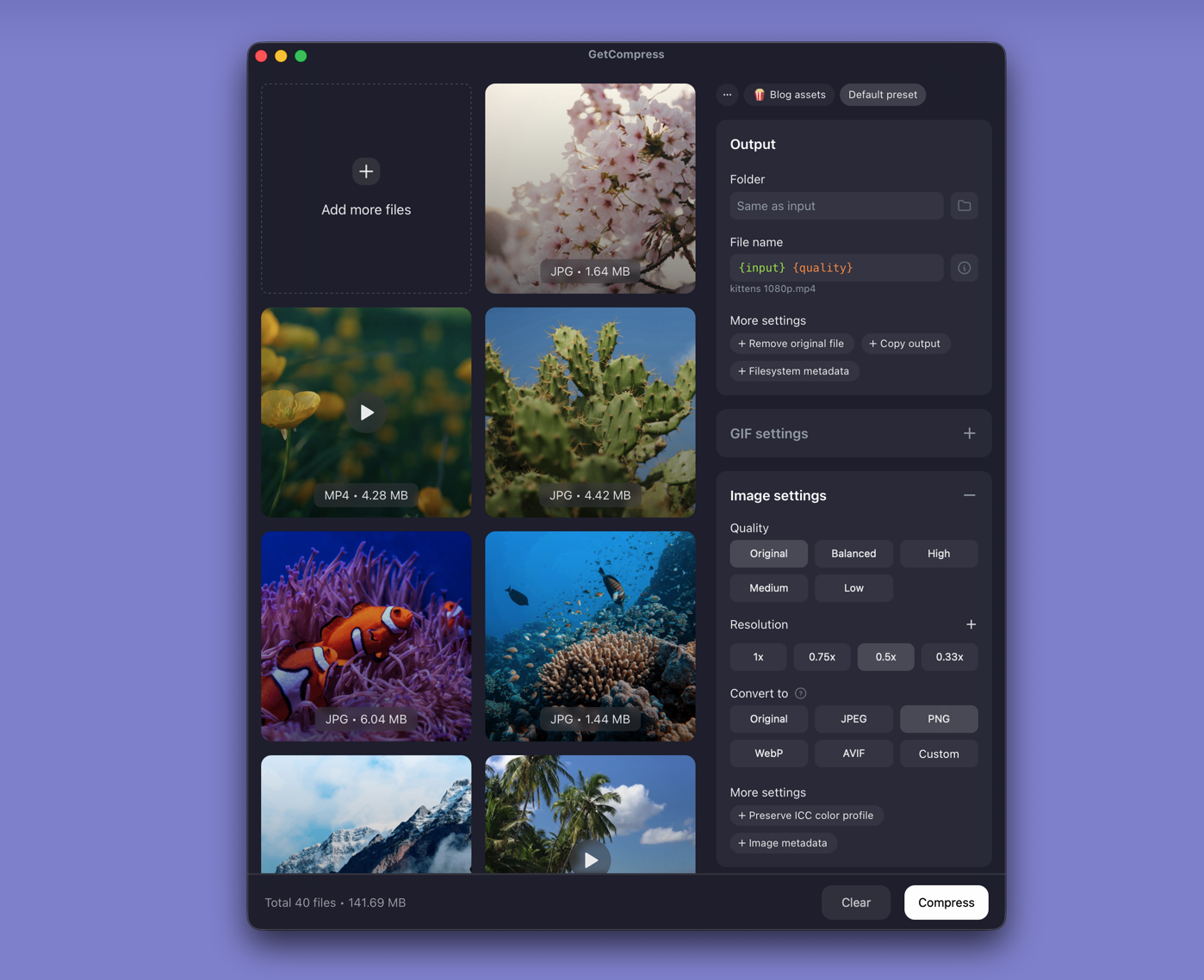
- Open GetCompress and drop JPEG heroes into the queue.
- Set output to AVIF, choose quality, and optional max width.
- Preview a photo and a gradient hero for banding.
- Export locally; keep JPEG masters for editors and fallbacks.
Save separate presets for heroes and thumbnails. Processing stays on your PC.
Method 2: avifenc in PowerShell
Best for: Scripts when you already use winget.
winget install libavif
avifenc --min 22 --max 28 photo.jpg photo.avif
Batch:
mkdir avif-out
Get-ChildItem *.jpg, *.jpeg | ForEach-Object {
 avifenc --min 22 --max 28 $_.Name "avif-out\$($_.BaseName).avif"
}| Flags | Effect |
|---|---|
--min 20 --max 24 | Higher quality, larger files |
--min 22 --max 28 | Balanced starting point |
--min 26 --max 32 | Smaller thumbs; check banding |
Resize first in Photos (… → Resize image) or with FFmpeg:
ffmpeg -i hero.jpg -vf scale=2400:-2 hero-resized.jpg
avifenc --min 22 --max 28 hero-resized.jpg hero.avif
A 6000 px camera JPEG rarely helps if the hero displays at 1200 px.
Limitation: Slow on large folders. Long encodes can starve other apps during work hours.
Method 3: FFmpeg
Best for: Teams that already batch video with FFmpeg builds that include libaom-av1.
ffmpeg -i photo.jpg -c:v libaom-av1 -crf 30 photo.avifLimitation: Quality and speed depend on your build. Prefer avifenc when AVIF is the only job.
Which method should you use
| Situation | Start here |
|---|---|
| Bulk heroes, presets, local preview | GetCompress |
| CLI with winget | avifenc |
| Existing FFmpeg image pipeline | FFmpeg |
Serve AVIF first and JPEG second in <picture>, with matching dimensions to avoid layout shift. Spot-check Chrome and Safari after deploy. General resize advice: compress images on Windows . For another modern web format, see PNG to WebP on Windows .
What AVIF is for
| Format | Best for | Avoid for |
|---|---|---|
| AVIF | Site heroes, product grids | Email, print, legacy CMS |
| JPEG | Fallback, universal share | Maximum compression on modern web |
| WebP | Middle-ground support | Very old browsers |
Photos usually shrink more than flat UI screenshots. Gradients show banding first; tune quality there before you encode a full folder.
When a JPEG is enough
Keep JPEG alone for email, many CMS uploads, and social tools that reject AVIF.
GetCompress fits when you ship static sites regularly, need width caps without editing PowerShell loops, and want local encoding of embargo campaign art. Keep JPEG masters for editors; commit AVIF and JPEG pairs for delivery. It does not replace your CMS or design tool. Winget avifenc and GetCompress can coexist: CLI for tests, GetCompress for weekly hero drops.
- Convert PNG to WebP on WindowsConvert PNG to WebP on Windows with GetCompress, cwebp, or a Photos resize first. Keep a JPEG or PNG fallback for older browsers.
- How to Compress Images on WindowsCompress images on Windows with GetCompress, Photos, or FFmpeg. Resize JPG and PNG, convert WebP, and keep sharp UI for email or web.
- Convert JPG to AVIF on MacConvert JPG to AVIF on Mac with GetCompress, avifenc, or FFmpeg. Resize first and keep a JPEG fallback in HTML.
- Convert CR2 to JPG on WindowsConvert Canon CR2 to JPEG on Windows with Photos, Lightroom, or delivery sizing in GetCompress. Keep RAW masters; export JPG for clients.