Convert M4A to MP3 on Mac: 3 Methods
Convert M4A to MP3 on Mac with GetCompress, FFmpeg, or a trimmed QuickTime source. Export MP3 when a form or device rejects AAC.
Voice Memos, QuickTime Audio Only exports, and many phone sync folders land as M4A. Some LMS forms, old embed players, and car stereos still list MP3 only. The conversion is a lossy re-encode, so keep the M4A master and write MP3 copies to a deliverables folder.
M4A vs MP3
| M4A (AAC) | MP3 | |
|---|---|---|
| Common source | Voice Memos, QuickTime, Music | Legacy portals, older hardware |
| Quality at equal bitrate | Often better for speech | Slightly larger for the same clarity |
| When to use | Default on Mac | Only when something rejects AAC |
| Source | Starting MP3 setting |
|---|---|
| Voice memo or speech | 128 kbps or VBR -q:a 3 |
| Music mix | 192 kbps or VBR -q:a 2 |
| Already low-bitrate M4A | Prefer not to crush further |
If the audio is still inside a video, extract first: MP4 to MP3 on Mac . For smaller files after you already have MP3, see compress MP3 on Mac .
Method 1: GetCompress
Best for: Folders of Voice Memos, conference exports, and a bitrate preset you reuse every week.
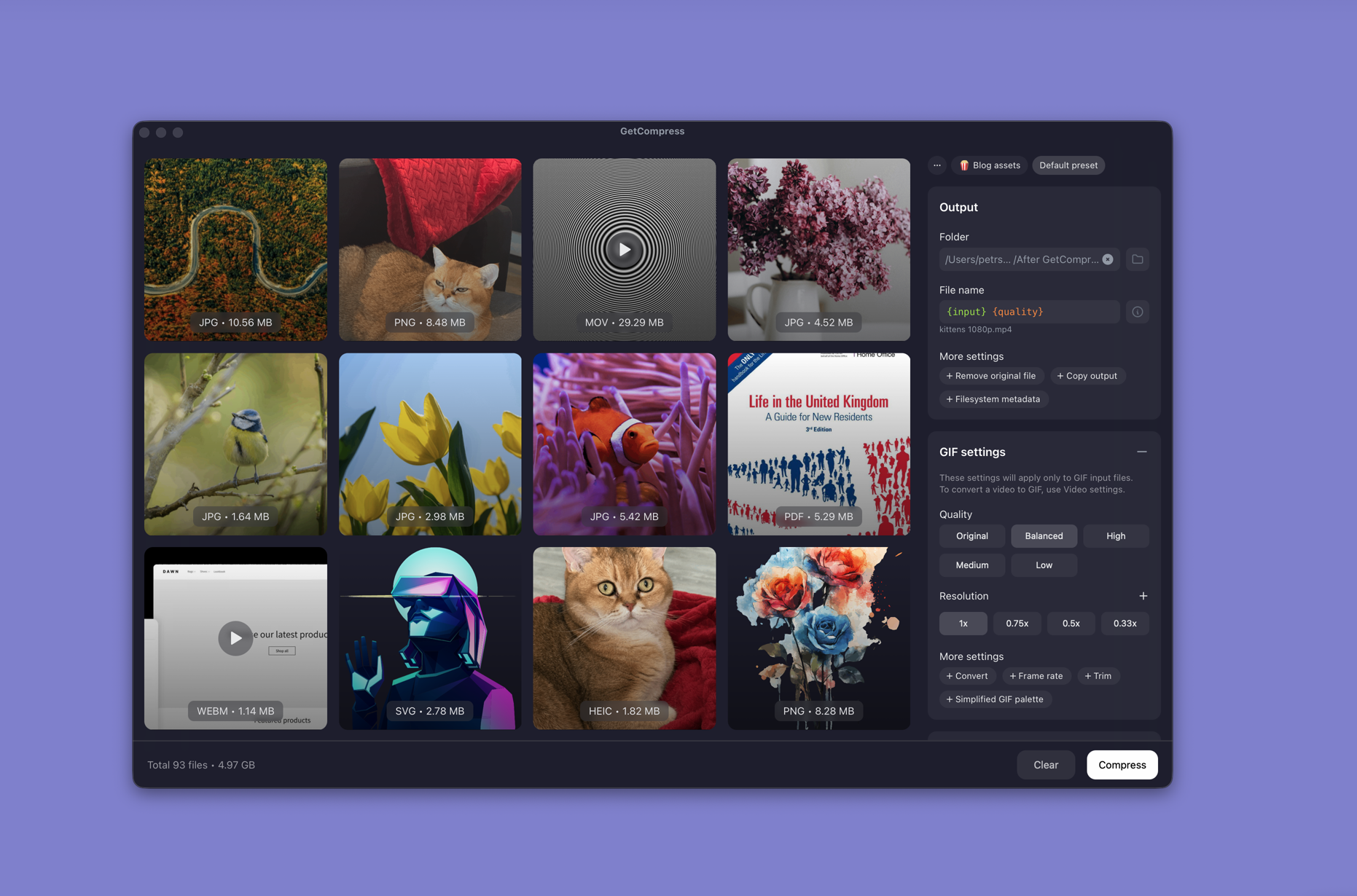
- Drop one M4A or a whole folder into GetCompress .
- Choose MP3 output and set quality or bitrate.
- Trim dead air in the preview when the memo has a long silent lead-in.
- Export to a deliverables folder. Keep the M4A masters untouched.
Processing stays on your Mac. Save a preset such as “legacy CMS MP3 128k” so you can reuse it next time.
Method 2: Convert with FFmpeg
Best for: Terminal batches, fixed VBR quality, and scripts.
brew install ffmpegSingle file:
ffmpeg -i memo.m4a -codec:a libmp3lame -q:a 2 memo.mp3Constant bitrate when a spec requires it:
ffmpeg -i memo.m4a -codec:a libmp3lame -b:a 128k memo.mp3Batch a folder:
mkdir mp3-out
for f in *.m4a; do
 ffmpeg -i "$f" -codec:a libmp3lame -q:a 2 "mp3-out/${f%.m4a}.mp3"
done
-c copy almost never works here. Normal M4A holds AAC, so you must re-encode to MP3. afconvert can move between Apple formats, but it does not write MP3.
Limitation: You maintain the commands. Listen to one file before you run a fifty-memo loop.
Method 3: Trim in QuickTime first
Best for: One long memo with silence at the start or end.
- Open the M4A in QuickTime Player.
- Edit → Trim (⌘T).
- File → Export As → Audio Only if you need a cleaned M4A intermediate.
- Convert that shorter file with Method 1 or 2.
QuickTime does not export MP3. Use it only to shorten the source so the MP3 stays smaller at the same bitrate.
Limitation: One file at a time. No batch queue.
Which method should you use
| Situation | Start here |
|---|---|
| Folder of memos or a reusable bitrate | GetCompress |
| Scripts or exact FFmpeg flags | FFmpeg |
| One long recording with dead air | Trim in QuickTime, then Method 1 or 2 |
When M4A is enough
If the destination accepts AAC, keep M4A. Converting to MP3 only adds another lossy generation.
GetCompress fits when the same legacy form asks for MP3 every week, when a sync folder fills after travel, or when you want preview and trim before the re-encode. For shrinking M4A without changing format, see compress audio files on Mac .
- Convert MP4 to MP3 on MacConvert MP4 to MP3 on Mac with GetCompress, QuickTime, or FFmpeg. Extract audio as M4A by default, or MP3 when a legacy tool requires it.
- Compress Audio Files on MacCompress audio on Mac with GetCompress, QuickTime, or afconvert and FFmpeg. AAC and M4A for podcasts, lectures, and uploads.
- Compress MP3 on MacCompress MP3 on Mac with GetCompress, FFmpeg, or afconvert. Lower bitrate or switch to M4A for email and portal limits.
- Convert M4A to MP3 on WindowsConvert M4A to MP3 on Windows with GetCompress, FFmpeg, or a trimmed Clipchamp source. Export MP3 when a form or device rejects AAC.