Online File Compressors Privacy Risks on Windows
Why free compressor websites show ads and log uploads, and what to use on Windows instead of browser upload tools.
The compressor was free. The page loaded ad scripts. The upload finished before you read the privacy link. Free tools are not free to run: someone pays for storage, bandwidth, and encoding. That cost shows up in ads, upsells, and data about what people upload.
This page covers what happens in practice on free upload compressors, and what to use on Windows instead. For the safety checklist, see are online file compressors safe on Windows .
How free sites make money
Ads, upsells, and aggregate upload stats fund most free compressor sites. A smaller PDF or JPEG is the hook. The business model is traffic and conversion.
| Revenue source | What it means for you |
|---|---|
| Display ads | Third parties see you visited a compress page |
| Premium tier | Same upload path, faster queue or larger cap |
| Analytics | They learn which formats people upload most |
A paid tier with a larger file cap still sends your file through their infrastructure. Enterprise DPAs are a contract review, not a default on the free button.
Trackers on the page vs the upload
Browser blockers help on the page. They do not remove server logs of your upload.
Consent banners may pause some ad networks until you click. That changes what the ad network sees, not whether the compress server receives your PDF bytes. Treat page privacy and upload privacy as two questions.
Corporate networks sometimes block ad domains while the upload still goes through on another subdomain. Review the upload host, not only the marketing page.
What servers typically log
| Log field | Why it matters |
|---|---|
| File name | May include client or project codes |
| File size | Hints at document type (deck vs icon) |
| IP address | Rough location and network identity |
| Timestamp | Ties the upload to your work hours |
“We delete after 24 hours” is better than indefinite storage. It is still a day on disks you do not control. Legal and healthcare workflows often need zero third-party copies.
A PDF named Acme-Contract-vFinal.pdf tells a story in logs even after bytes are gone. Local compress avoids that leak.
Metadata rides along
Uploads are more than visible pixels. JPEG and HEIC may carry EXIF GPS and camera serials. PDF files embed author names. MP4 can include device and creation metadata.
Compressors may keep that metadata in the output. They may also retain originals in logs or crash dumps. Local processing on your PC keeps metadata under your control until you strip or edit it.
Redaction and compression are different jobs. Uploading to “strip metadata” still copies the full file first. Compress locally using email attachment size limits as a planning range, then attach from File Explorer.
Windows options without an upload form
| Task | Try first | Batch option |
|---|---|---|
| Edge view + re-export, or Print to PDF | Local queue app | |
| Image | Photos, Paint | FFmpeg or a local app |
| Video | Clipchamp | FFmpeg or a local app |
| Scheduled batch | Task Scheduler + script | Folder monitoring |
Desktop apps do not show ad banners while they work. You pay with money or setup time. The privacy win is simple: no upload form, no third-party server log for your MP4 or contract PDF.
Clipchamp often wants a Microsoft account. That can still be preferable to a random compressor site, but it may not satisfy a strict air-gapped policy. Mixed PNG, MP4, and PDF folders push teams back to upload sites when three apps feel slower than one tab.
When GetCompress fits
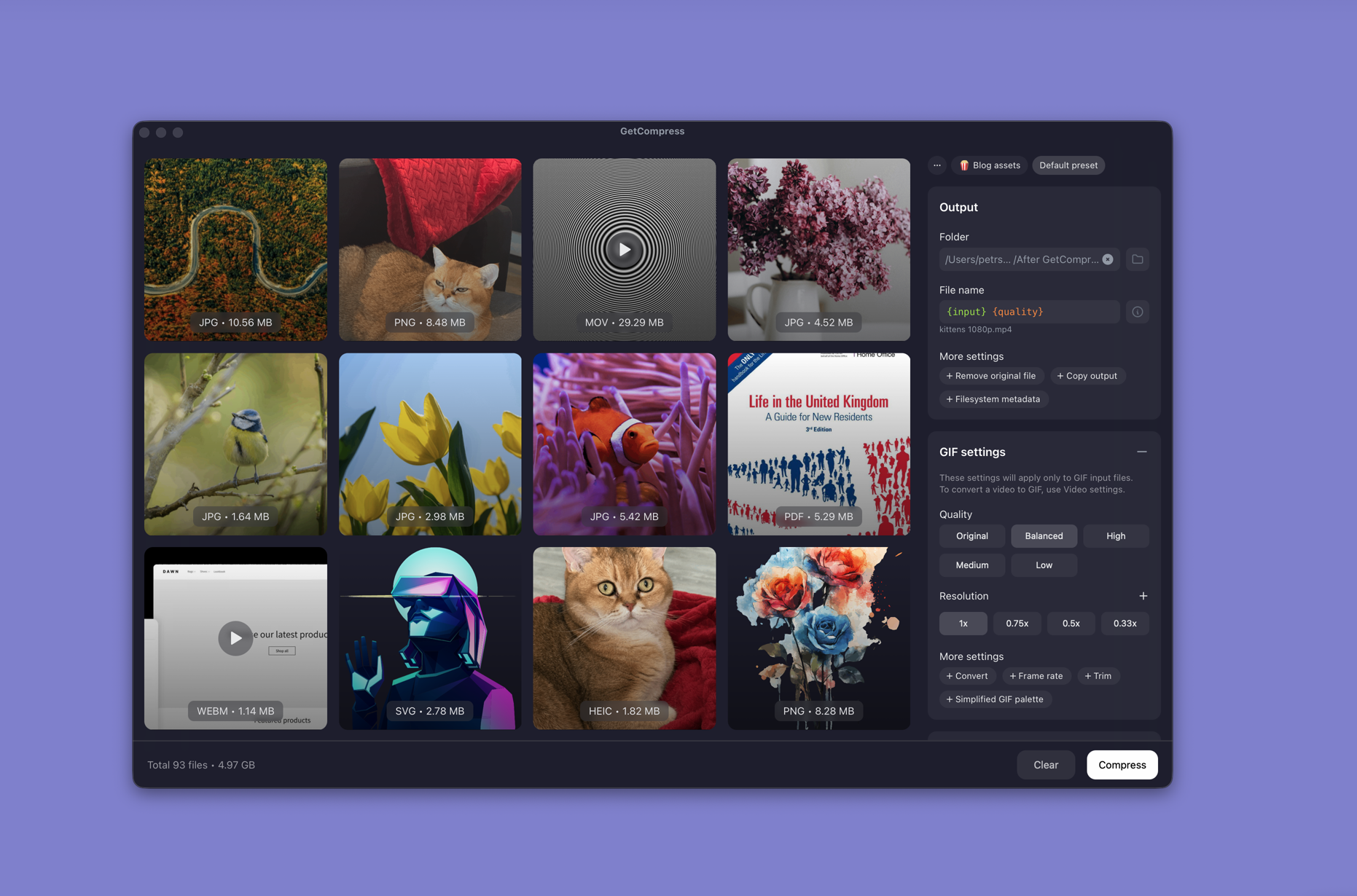
GetCompress compresses images, video, and PDF on your PC without a browser upload step:
- Queue mixed PNG, MP4, and PDF in one run
- Save presets so repeat jobs do not tempt a free upload tool
- Folder monitoring when exports land in the same directory every day
- Local processing for NDA or embargoed assets
Details on what stays on disk: how GetCompress stays private and secure on Windows . Broader offline workflow: offline media compression on Windows .
When Photos or Clipchamp is enough
Photos or Clipchamp can finish a single public file with no confidentiality need and no batch.
GetCompress fits when mixed batches, presets, or watch folders make online compressors a habit. It does not replace a redaction tool, a records system, or legal review of a third-party DPA. For the Mac-focused twin, see online file compressors privacy risks .
- Are Online File Compressors Safe on WindowsWhat happens when you upload files to online compressors, and what to use on Windows instead with Photos, Clipchamp, and GetCompress.
- GetCompress Privacy on WindowsHow GetCompress processes files on Windows, when it uses the network, and how that compares to built-in tools and online compressors.
- Offline Media Compression on WindowsCompress images, video, and PDF on Windows without uploading. Local JPEG, MP4, and PDF processing for NDA work, air-gapped PCs, and slow Wi-Fi.
- Compressor privacyWhy free compressor websites show ads and log uploads, and what to use on your Mac instead of browser upload tools.