MP4 vs MOV: What's the Difference?
Compare MP4 and MOV containers for video: codecs inside, Apple vs Windows compatibility, editing workflows, and conversion tips.
iPhone saves MOV. Slack prefers MP4. Same video, different wrapper, and someone’s Windows laptop will not play the file until you convert it.
Both formats can store multiple audio tracks, caption tracks, and chapter markers. Most delivery workflows only need one video track and one audio track.
Container vs codec
A container (or wrapper) holds:
- Video track (encoded with a codec like H.264 or HEVC)
- Audio track (AAC, PCM, etc.)
- Metadata (rotation, timecode, captions)
MP4 and MOV can contain the same codec bitstream. Changing the extension or remuxing does not always change quality. Re-encoding with wrong settings does.
See H.264 vs H.265 for codec choice and video bitrate for size planning.
Players read the tracks inside the file, not the extension on the icon. Renaming .mov to .mp4 without remuxing or transcoding does not fix incompatible codecs.
What MP4 is
MP4 (MPEG-4 Part 14) is the de facto delivery format online.
- Expected by browsers, phones, TVs, and upload forms.
- Usually holds H.264 or HEVC video and AAC audio.
- Supports fast-start moov atom placement for streaming (set during export).
Android screen recorders, many cameras, and web export presets default to MP4. Some tools call fast start “web optimized.”
What MOV is
MOV is Apple’s QuickTime container. It predates modern MP4 but shares many inner structures.
- Default for iPhone camera roll videos, QuickTime Player, and Final Cut Pro exports.
- Can hold ProRes, HEVC, H.264, PCM audio, and timecode tracks.
- Plays natively on Mac and on Windows with current codecs; older corporate PCs struggle with HEVC MOV.
MOV is not “higher quality” by default. A MOV and MP4 with identical H.264 settings are visually the same. ProRes MOV files are huge because the codec is editing-friendly, not because MOV itself is sharper.
Side-by-side comparison
| Topic | MP4 | MOV |
|---|---|---|
| Primary ecosystem | Web, Android, general | Apple camera and editing |
| Common codecs | H.264, HEVC | H.264, HEVC, ProRes |
| Email and chat compatibility | Usually good | Mixed on Windows |
| Editing intermediates | Less common | ProRes MOV common on Mac |
| Metadata | Standard | Rich timecode and reel fields |
Neither container encrypts content by default. Confidential video still needs access control on the folder or drive, not just a format choice.
Which format to use when
Choose MP4 when:
- Uploading to a portal, LMS, or social site.
- Sending to a mixed Mac and Windows team.
- Publishing on the web with HTML5 video.
Choose MOV when:
- Staying inside an Apple edit pipeline with ProRes.
- Preserving timecode from cinema cameras.
- Recipients are all on current Mac hardware.
For phone clips going to people on Windows, remux or re-export to MP4 even if the source is MOV. When the inner codec is HEVC, convert HEVC to H.264 on Mac or on Windows improves playback reach more than a container swap alone.
Practical paths: MOV to MP4 on Mac , MOV to MP4 on Windows , MP4 to MOV on Mac , convert video to MP4 on Mac .
Converting without quality surprises
Remux (fast, lossless): copy video and audio bitstreams into a new container. Use when codecs already match what the destination expects.
Transcode (slow, lossy): decode and re-encode. Required when switching ProRes to H.264 or fixing unsupported HEVC on old players.
Avoid double transcoding. If you already exported H.264 MOV, remux to MP4 instead of re-encoding at lower quality. Check rotation metadata; some players ignore orientation flags after remux.
When file size is the issue, container change alone rarely helps. Adjust bitrate, resolution, or duration. See video file size calculator .
Fast start (moov atom at the beginning of the file) matters for web playback of MP4. Some MOV exports place metadata at the end; remuxing can fix streaming start delay without re-encoding video.
When a one-off remux is enough
HandBrake, QuickTime, Clipchamp, or a single FFmpeg remux can work when you have one file and the codecs already match the destination.
GetCompress also helps when iPhone MOV folders arrive weekly, you need preview and trim, mixed formats in one queue, or a video target file size for upload caps. Convert locally, remux when codecs already match, and transcode only when ProRes or unsupported HEVC blocks playback. Archive ProRes MOV masters for edit history; keep a parallel MP4 H.264 folder for anything that leaves the building.
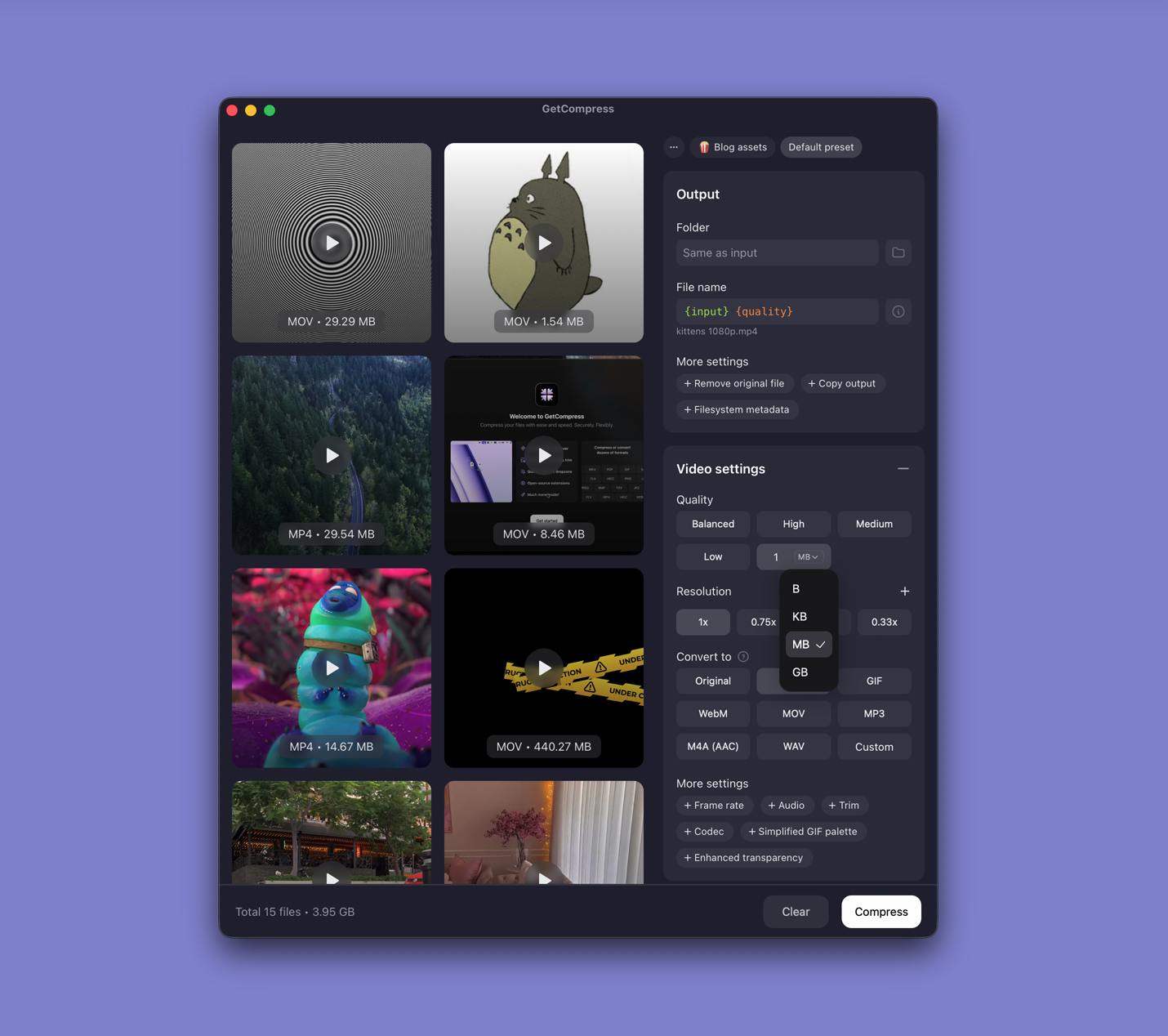
- Convert MOV to MP4 on MacConvert MOV to MP4 on Mac with GetCompress, QuickTime, or FFmpeg. Get H.264 MP4 for uploads, Windows teammates, and size-limited portals.
- Convert MOV to MP4 on WindowsConvert MOV to MP4 on Windows with GetCompress, Clipchamp, or FFmpeg. Get H.264 MP4 for uploads, Teams, and size-limited portals.
- Convert MP4 to MOV on MacConvert MP4 to MOV on Mac with GetCompress, QuickTime, or FFmpeg. Remux when codecs match, or re-encode for Final Cut and Apple workflows.
- Convert HEVC to H.264 on MacConvert HEVC to H.264 on Mac with GetCompress, QuickTime, or FFmpeg. H.264 MP4 for older devices, Windows teammates, and upload tools.