Convert WAV to MP3 on Mac: 3 Methods
Convert WAV to MP3 on Mac with GetCompress, afconvert for M4A, or FFmpeg. Keep WAV masters and export smaller share copies for email and uploads.
A field recorder saved a two-hour interview as WAV. The file can sit near 1 GB. Email bounces, the CMS rejects the upload, and chat tools may compress it unpredictably.
WAV is the right master for editing. MP3 (or M4A) is the share copy when something downstream needs a smaller, widely accepted file. Convert locally, keep the master, and spot-check a minute of speech before you batch a folder.
WAV vs MP3 on Mac
WAV is uncompressed PCM: large files, perfect for editing and archiving. MP3 is lossy: much smaller, universal, quality depends on bitrate. On Mac, M4A (AAC) is often a better default than MP3 unless the form lists MP3 only.
| Format | Typical role | Size for long speech |
|---|---|---|
| WAV | Master, edit timeline | Hundreds of MB per hour |
| M4A (AAC) | Default Mac share format | Tens of MB per hour |
| MP3 | Legacy CMS, old embeds | Tens of MB per hour |
| Destination | Starting point |
|---|---|
| Speech, mono interview | MP3 128 kbps or M4A 128k |
| Stereo music bed | MP3 192 kbps or VBR q2 |
| Still too large after MP3 | compress MP3 on Mac |
See compress audio files on Mac for format overview. For lossless archives already in FLAC, see FLAC to MP3 on Mac .
Never overwrite WAV masters. Export share copies to a separate folder.
Method 1: GetCompress
Best for: A folder of recorder exports that must become share-ready MP3 or M4A with one reusable preset.
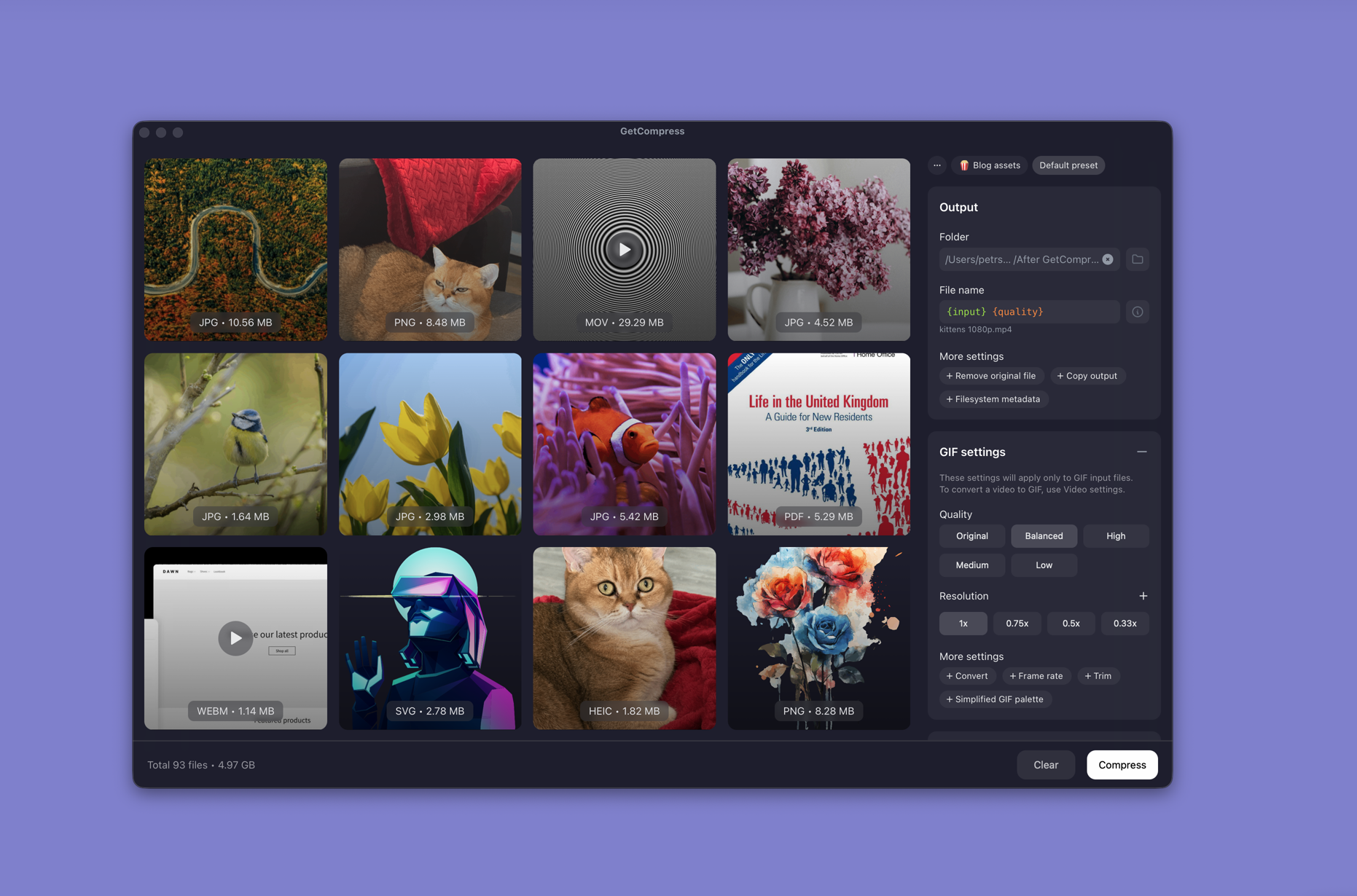
- Open GetCompress and drop WAV files or a folder into the queue.
- Choose MP3 or AAC (M4A), set bitrate, and use mono for voice-only interviews when that helps size.
- Preview a short segment, then export the queue to a deliverables folder.
Processing stays on your Mac. Save a preset such as “interview MP3 128k” for the next field day. Folder monitoring can convert new WAV files when they land in an ingest folder.
Method 2: afconvert for M4A
Best for: One or many files when MP3 is not required.
afconvert is built into macOS. It does not write MP3, but it is the fastest path to M4A:
afconvert -d aac -f m4af -b 128000 interview.wav interview.m4a| Flag | Plain meaning |
|---|---|
-d aac | AAC codec |
-f m4af | M4A container |
-b 128000 | 128 kbps |
Batch:
mkdir m4a-out
for f in *.wav; do
 afconvert -d aac -f m4af -b 128000 "$f" "m4a-out/${f%.wav}.m4a"
done
When the spec says “compressed audio” without naming MP3, ask whether M4A is acceptable before you encode twice.
Limitation: No MP3 output. Use Method 1 or 3 when the form lists MP3 only.
Method 3: FFmpeg for MP3
Best for: Exact MP3 flags, mono voice, and Terminal batches.
brew install ffmpegffmpeg -i interview.wav -codec:a libmp3lame -q:a 2 interview.mp3Mono voice:
ffmpeg -i voice.wav -ac 1 -codec:a libmp3lame -q:a 2 voice.mp3Batch folder:
mkdir mp3-out
for f in *.wav; do
 ffmpeg -i "$f" -codec:a libmp3lame -q:a 2 "mp3-out/${f%.wav}.mp3"
done
Trim silence in your editor before batch conversion. Long dead air still counts toward attachment size.
Limitation: You maintain the scripts yourself.
Which method should you use
| Situation | Start here |
|---|---|
| Recurring batches, presets, preview | GetCompress |
| M4A is acceptable | afconvert |
| Spec requires MP3, scripts OK | FFmpeg |
If part of the folder is already M4A, see M4A to MP3 on Mac . If the source is video, extract audio with MP4 to MP3 on Mac instead of converting a derived WAV when you still have the video.
When a built-in export is enough
afconvert is enough for a one-off M4A share when the recipient does not demand MP3. FFmpeg can work when you already use Terminal and convert occasionally.
GetCompress also covers many recorder files, the same bitrate every week, preview before a long batch, or folder monitoring on an ingest directory. Keep WAV masters on archive storage. Re-export from the master if someone needs a higher bitrate later.
- Compress Audio Files on MacCompress audio on Mac with GetCompress, QuickTime, or afconvert and FFmpeg. AAC and M4A for podcasts, lectures, and uploads.
- Convert FLAC to MP3 on MacConvert FLAC to MP3 on Mac with GetCompress, FFmpeg, or afconvert for M4A when MP3 is not required. Keep FLAC masters.
- Convert M4A to MP3 on MacConvert M4A to MP3 on Mac with GetCompress, FFmpeg, or a trimmed QuickTime source. Export MP3 when a form or device rejects AAC.
- Convert WAV to MP3 on WindowsConvert WAV to MP3 on Windows with GetCompress or FFmpeg. Keep WAV masters and export smaller share copies for email, LMS, and SharePoint uploads.